Types of post
- Message — a piece of information, an announcement, feedback from experience.
- Question — expects answers; can be marked as resolved when an answer is satisfactory.
- Resource — a useful document or link, shared with the group.
Steps
Choose the space
Global feed, session space or topic space.
Write the post
Select the type (message, question, resource) and enter the content.
Attach a document (optional)
Add an attachment that members of the space can download.
Publish
The post appears immediately in the feed of the chosen space.
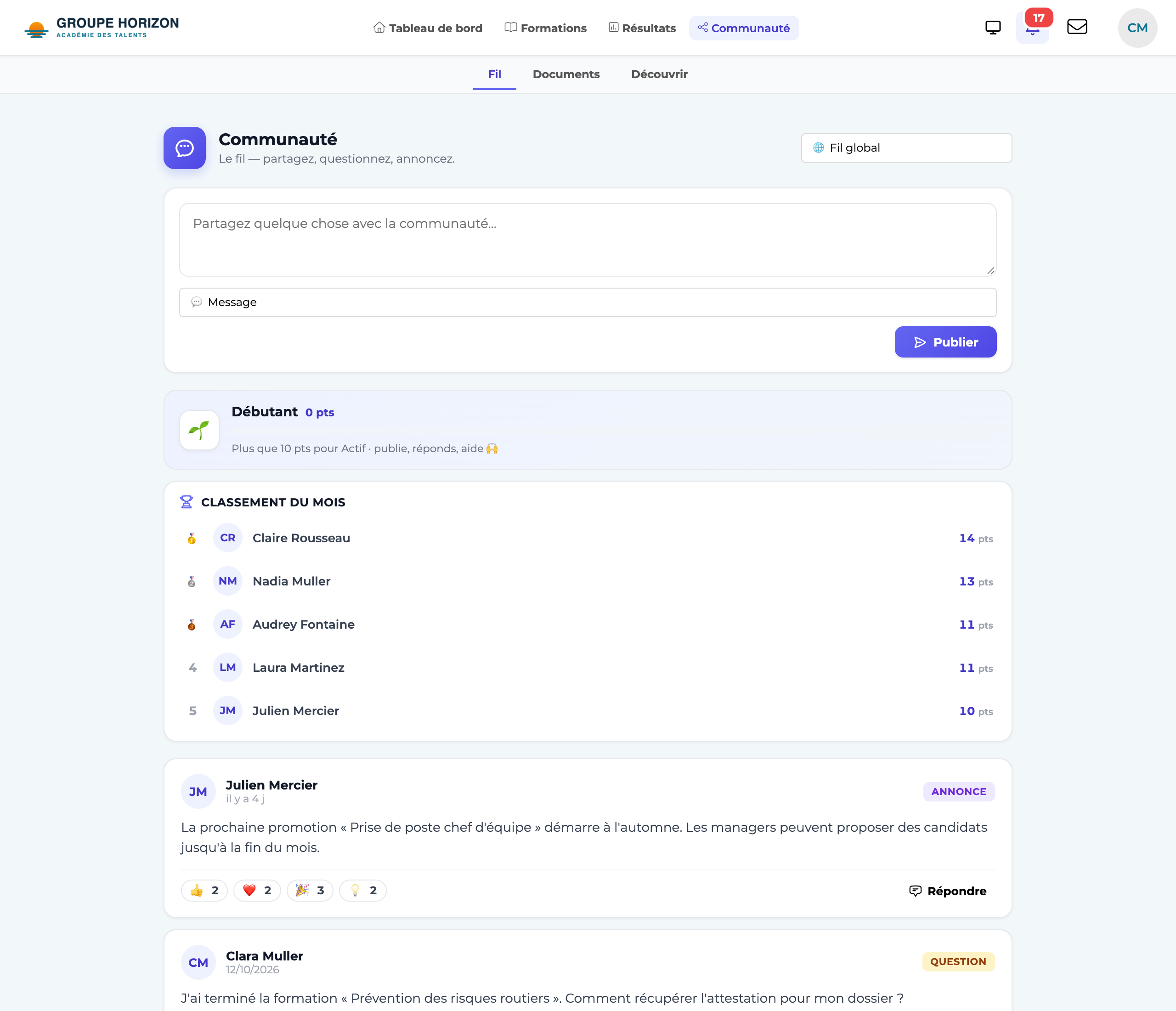
React and follow
- Reactions — One click to approve or say thank you, without cluttering the feed.
- Favourites — Set a post aside so you can find it easily.
- Resolved — On a question, mark the answer that helped: the topic becomes "resolved".
- Posting in the right place (the right space) ensures the right people see the message.
- A well-phrased question triggers, if the option is enabled, an answer from the AI assistant for an immediate first level of help.