How it works
The template library gathers the courses marked as "template". They act as a reusable starting point: instead of building a course again, you start from a proven template.
Steps
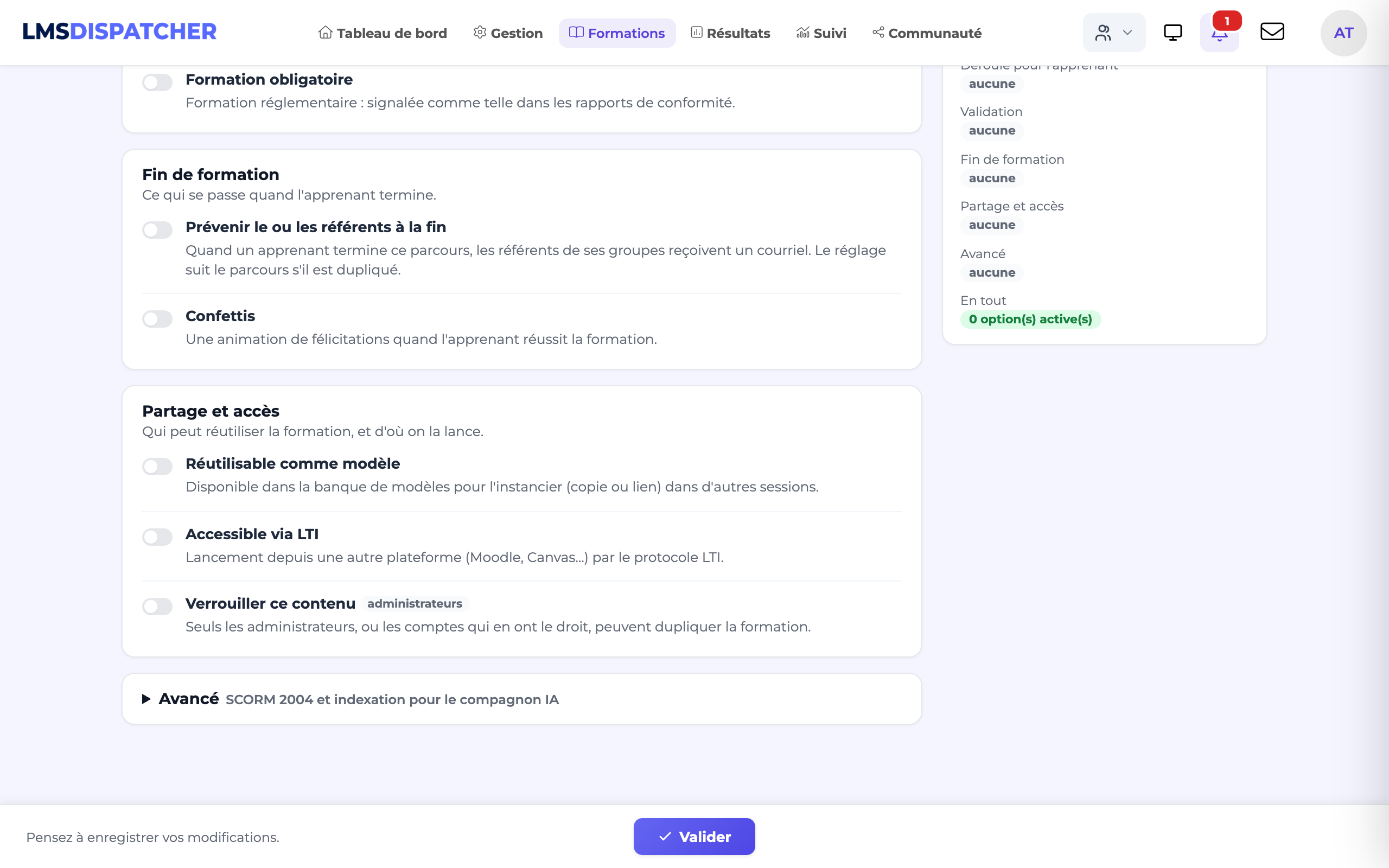
Mark a course as a template
in the Options step, Sharing and access block, switch on Reusable as a template.
Open the template library
the list of available template courses.
Reuse
create a new course from a template, then adapt it.
- A course can be reused in several sessions without duplication (a many-to-many relationship): the same content serves several audiences.
- The library standardises your courses: the same good practice, the same structure, and time saved.
- For an independent copy that you can edit freely, use duplication instead.