How it works
Administration is the platform's configuration centre. It is organised into expandable sections, each grouping related settings. You reach it from the menu reserved for administrators.
The main sections
- Display — appearance, home page, languages, tabs, standard emails (see Customisation & branding).
- Profiles and permissions — who can do what, field visibility.
- Custom fields — your own fields on accounts, sessions, courses…
- Technical configuration — organisation, uploads, servers, authentication, sites.
- Badges & OpenBadges — completion badges and open certifications.
- Course management — catalogue, export, AI indexing.
- Frame of reference — jobs, skills, certifications (see Skills & certifications).
- Integrations & connectors — web services, API, external TMS.
- AI Studio extension — AI credits and pricing scale (see Artificial intelligence).
- Spaces & Equipment — physical sites, rooms, equipment, bookings.
Global or site administrator
DGTLMS manages several spaces (sites) within a single instance:
- The global administrator sees all of the administration.
- The site administrator only sees a subset of the settings, limited to their space — global display, shared frames of reference and technical configuration are hidden from them.
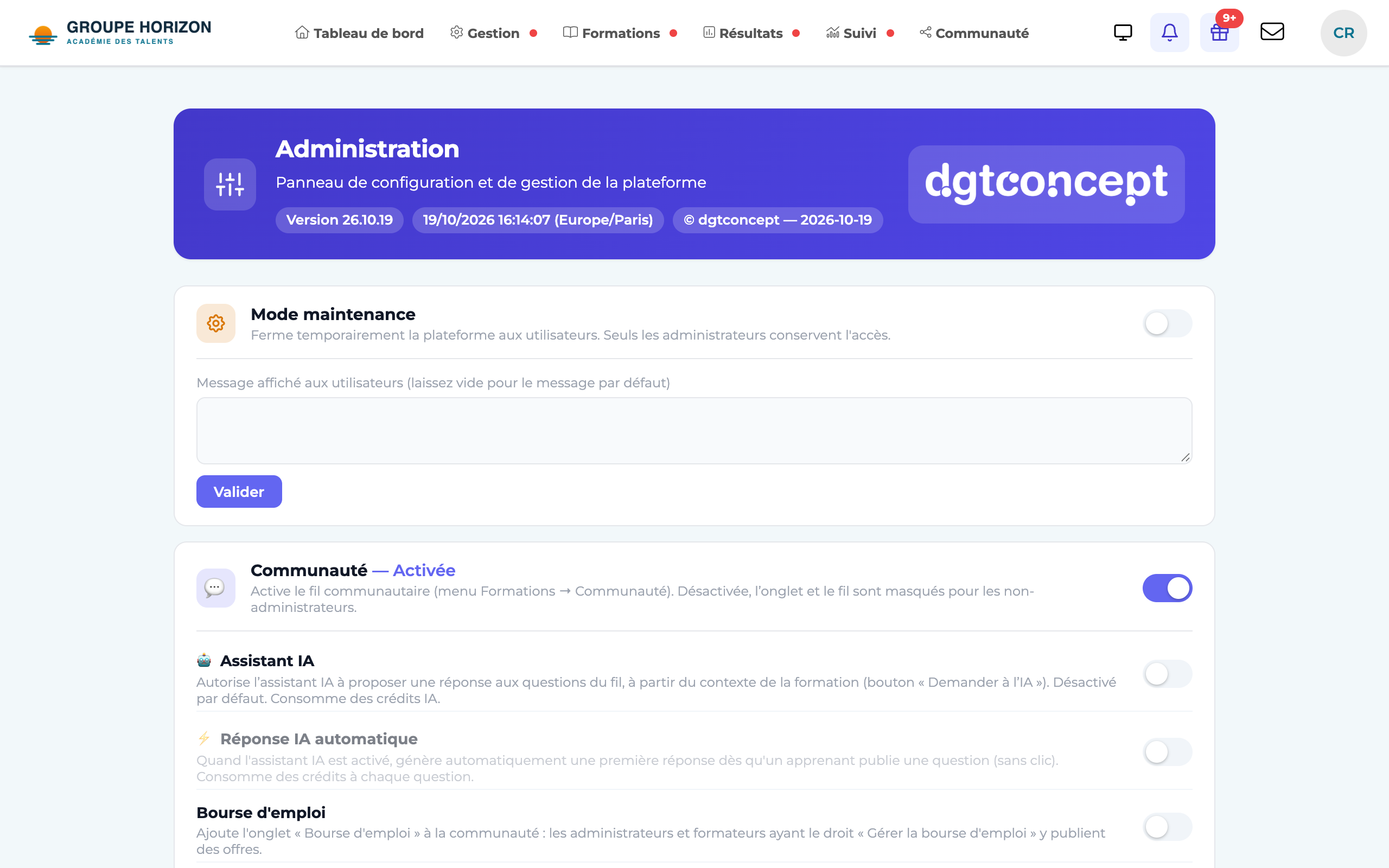
Maintenance mode
You can temporarily close the platform for maintenance work:
Open the administration home page.
Enable maintenance mode
a customisable message is shown to users.
Disable it once the work is finished to reopen access.
- The sections you see depend on your rights: a profile can see the administration without having access to everything.
- In maintenance mode, administrators keep access so they can check everything before reopening.