Steps
Open the session
Manage accounts → Sessions, then open the session's record.Check attendance
View the attendance of enrolled learners.
Electronic attendance
Depending on your configuration, have learners sign with the electronic signature (Edusign) for face-to-face sessions and virtual classrooms.
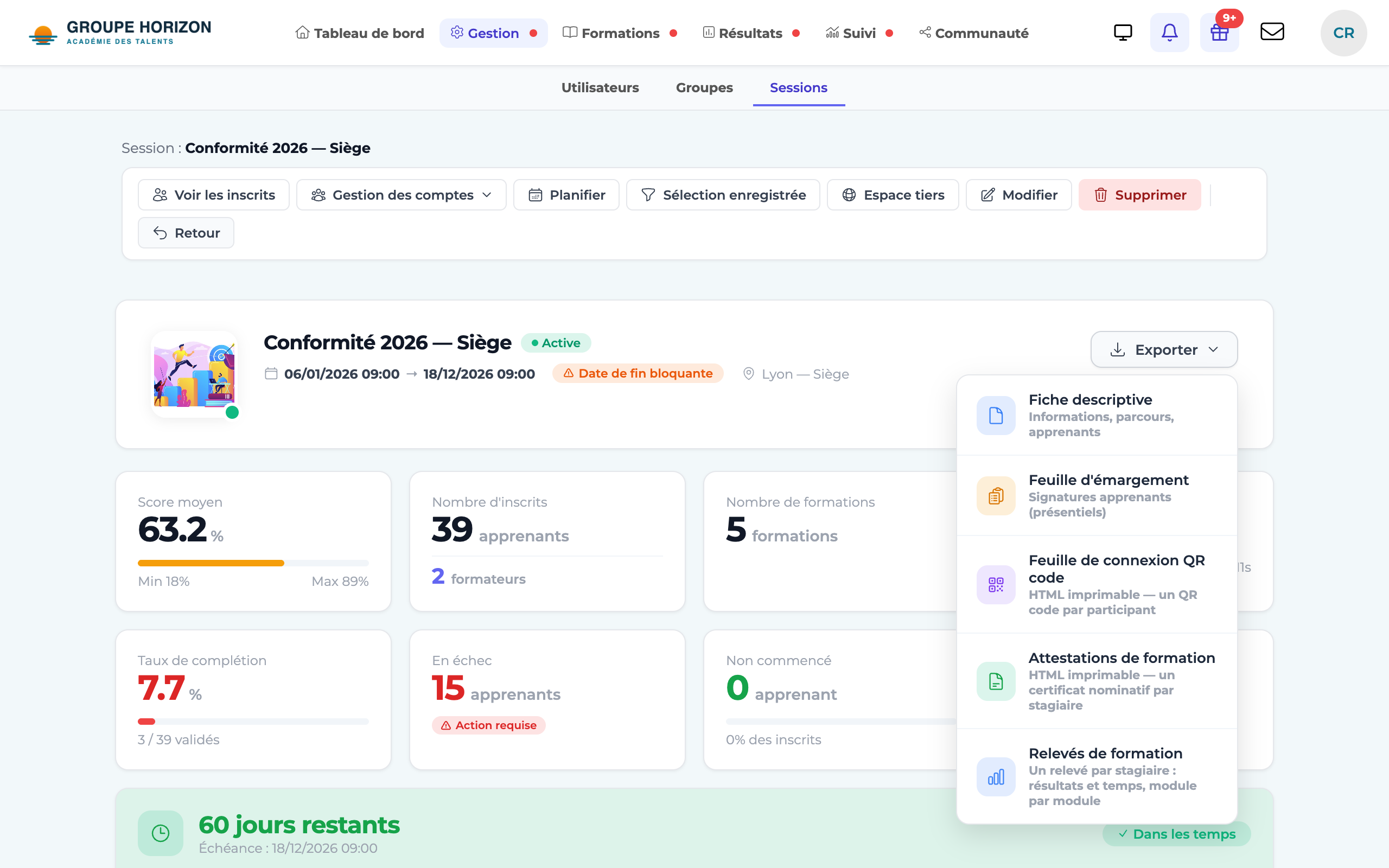
Export
Generate the attendance sheet or the certificate from the session record.
- Electronic attendance requires the signature connector to be enabled.
- Training certificates and certificates of achievement can also be generated from the session.