Steps
Open the record
From Courses, open the course record (or an activity's record).
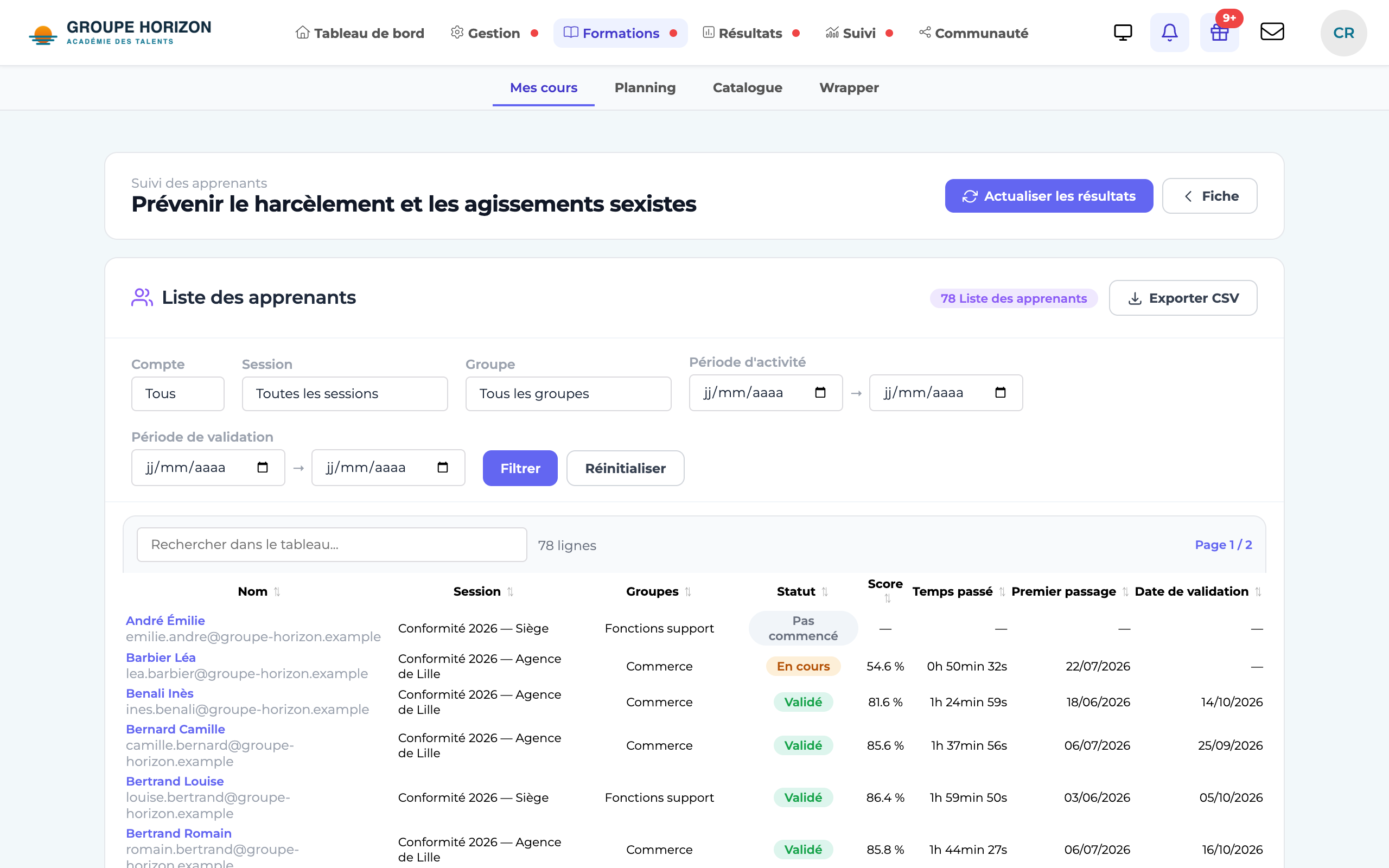
Track enrolled learners
Click Track enrolled learners (learners card on the record).
Filter and sort
Active / inactive, by session, by period; search, sort, pagination.
Read the tracking
Name, session(s), group(s), status, score, progress, time spent and dates.
Export
Export the list in CSV format.
- At activity level, the results shown are those for that activity.
- The table includes derived / multi-profile accounts.