- The right to enrol users in sessions.
- An existing session containing at least one course.
Method 1 — from an account's record
Open the record of the account, go to the Sessions tab, then Add to sessions.
Tick the sessions you want and confirm
the learner now has access to their courses.
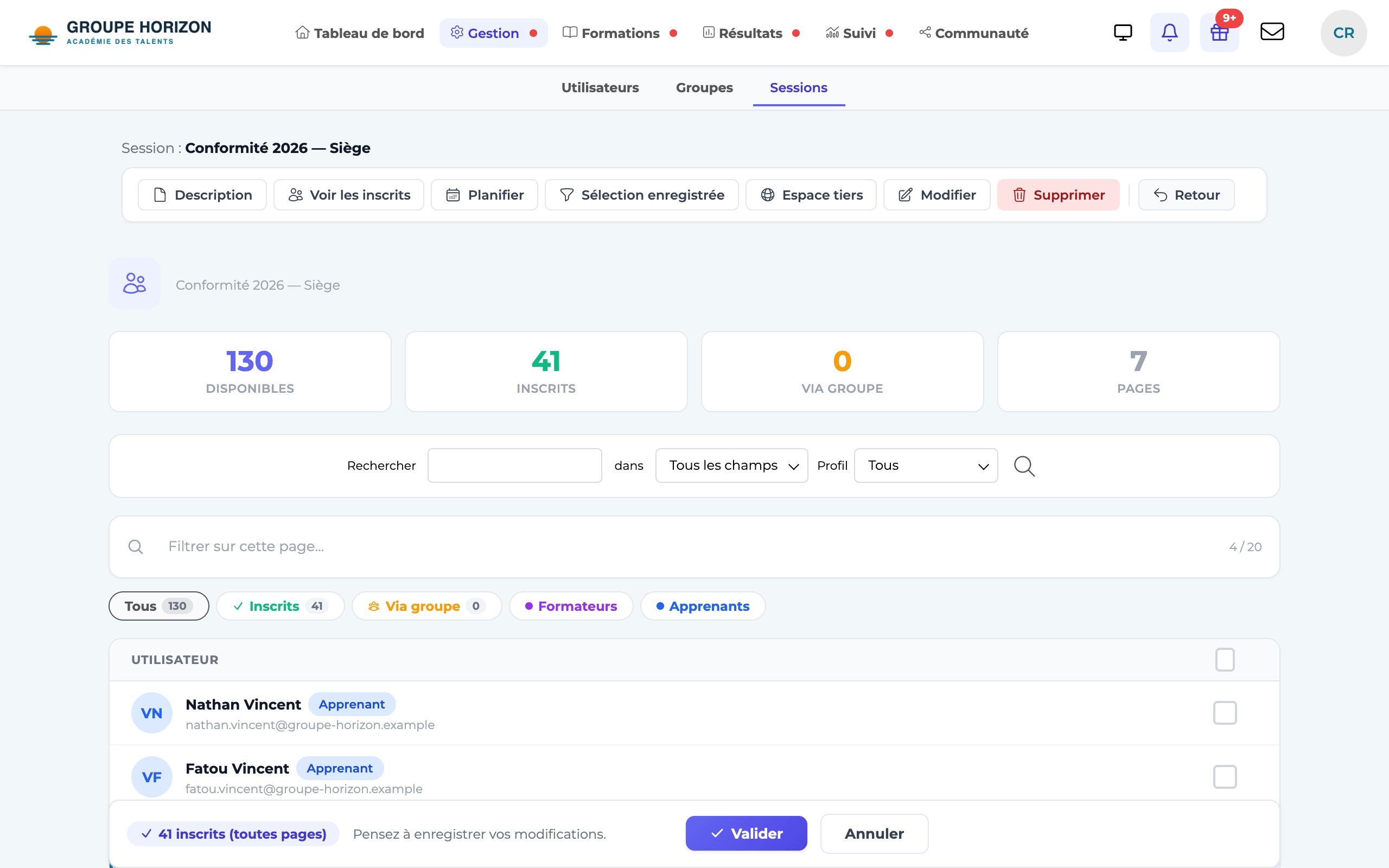
Method 2 — from a session
Open the record of the session.
Enrol the learners (or instructors) by selecting the accounts, then confirm.
- To enrol many people at once, use a group (see "Enrol a group in a session").
- A learner sees a session's courses as soon as they are enrolled; the session's dates determine access.