View attempts
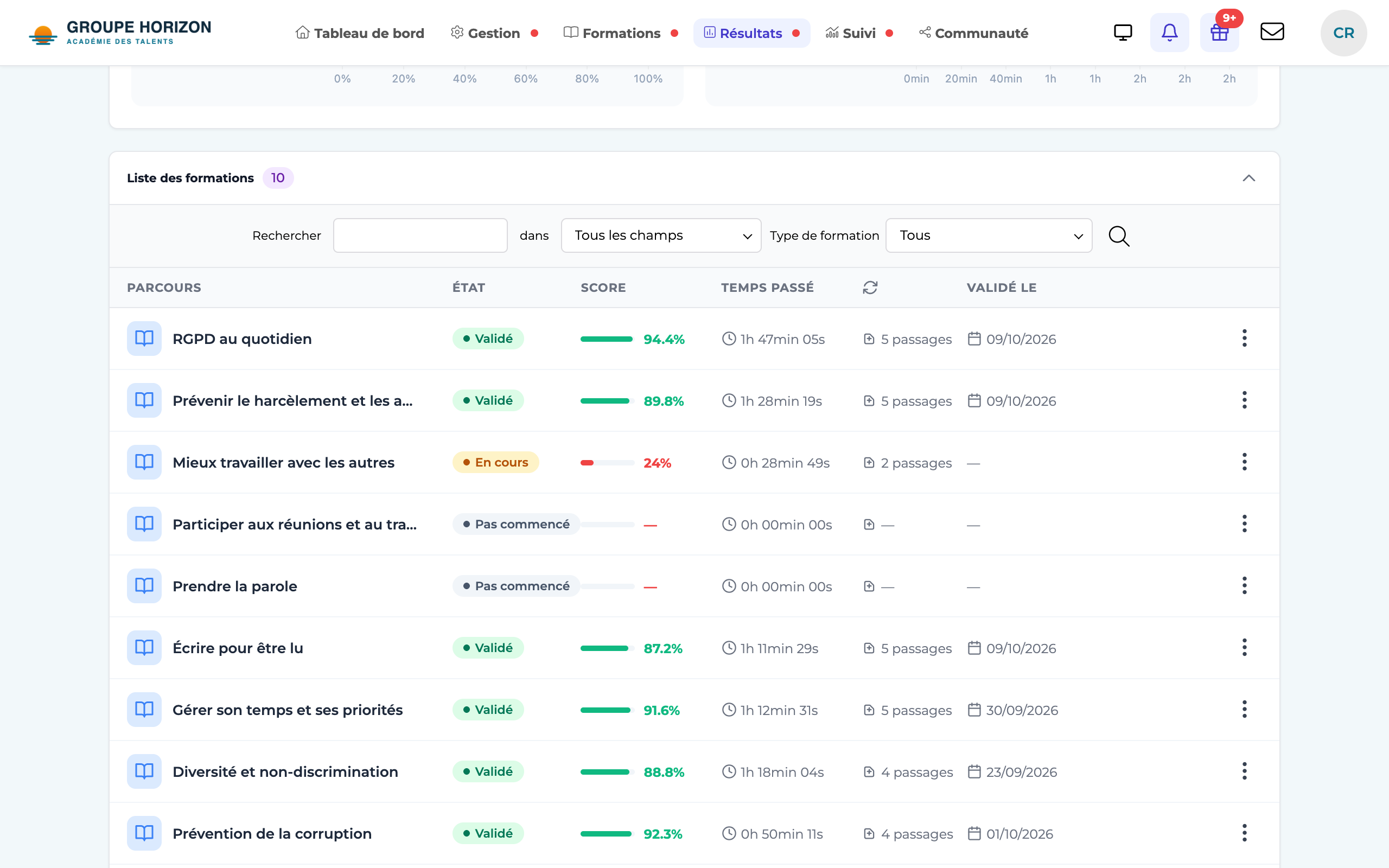
In a learner's tracking, the list of activities shows a "Number of launchings" column. Click an activity to open "Details — Attempt history":
- indicators at the top: Attempts, Tries, Best score, Total time;
- the list of each attempt (status, score, time), grouped by try, with a marker on the best try.
View answer details
From an attempt, the "Answers" button opens the attempt details:
- Score / Time spent cards (plus averages/min/max if there are several attempts);
- two charts: breakdown of question scores (correct / partial / incorrect) and scores per question (radar);
- the list of answers: for each question, the answer given (marked in green / orange / red) and the expected answer — true/false answers are spelled out in full, in your language;
- previous / next attempt arrows to move between attempts.
Questions with no wording? It's the content format
In some imported modules, the list of answers shows questions without a title, with an unreadable code instead, such as Q_947dl2w975x7-7xd92o7x7izb_…. This is not data loss.
- The cause — The content was published in SCORM 1.2 format, which has no field for the question wording. That field only exists from SCORM 2004 onwards. The authoring tool therefore has nowhere to put it and slips it into the question's technical identifier.
- What you see — A message explains this directly on the page, shown only to instructors and administrators.
- The solution — Republish the content in SCORM 2004 from your authoring tool (iSpring, Storyline, Captivate…), then import it again. The question wording will appear.
- The answers are still accurate — the score, correct/incorrect and the answer given are correct in every case; only the title is missing.
Export and analyse
- CSV export — from the answer details, exports: question, learner's answer, expected answer, score.
- Course chart view — a dashboard per learner (activity statuses, progress, scores and time per activity).
- Answer details require the analysis module and a dedicated right; without them, you see the attempts but not the question-by-question detail.
- Administrators have a "View technical data" button showing the raw tracking data (useful for troubleshooting).
- A learner can only view their own attempts.