Two display modes
The course list offers a toggle between:
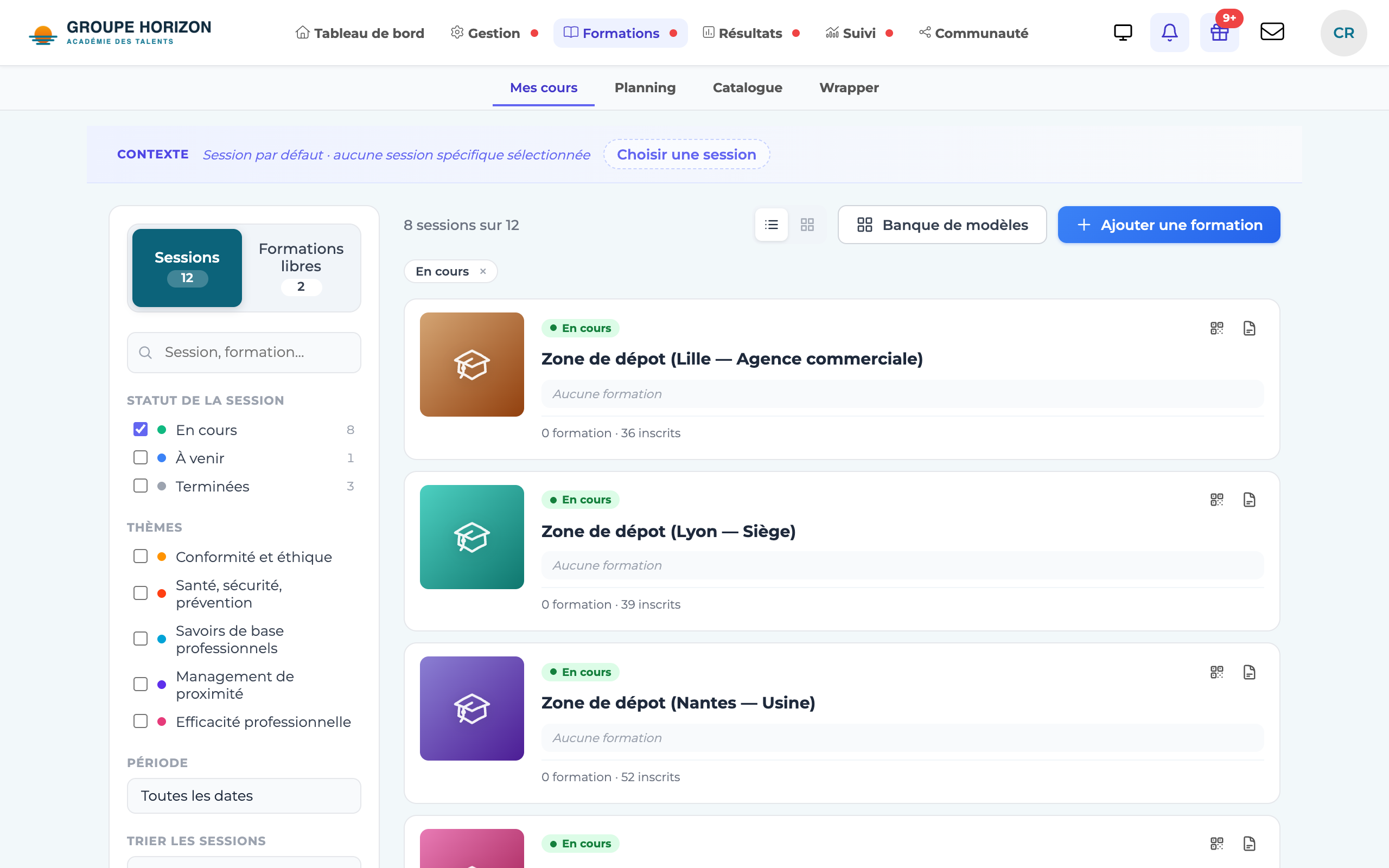
- List — a compact, dense layout, ideal for browsing many courses and searching quickly.
- Grid — visual cards (the course's visual/icon), easier on the eye for spotting a course at a glance.
Switch views
Open the course list.
Click the view icon (list / grid) in the toolbar.
The display switches immediately.
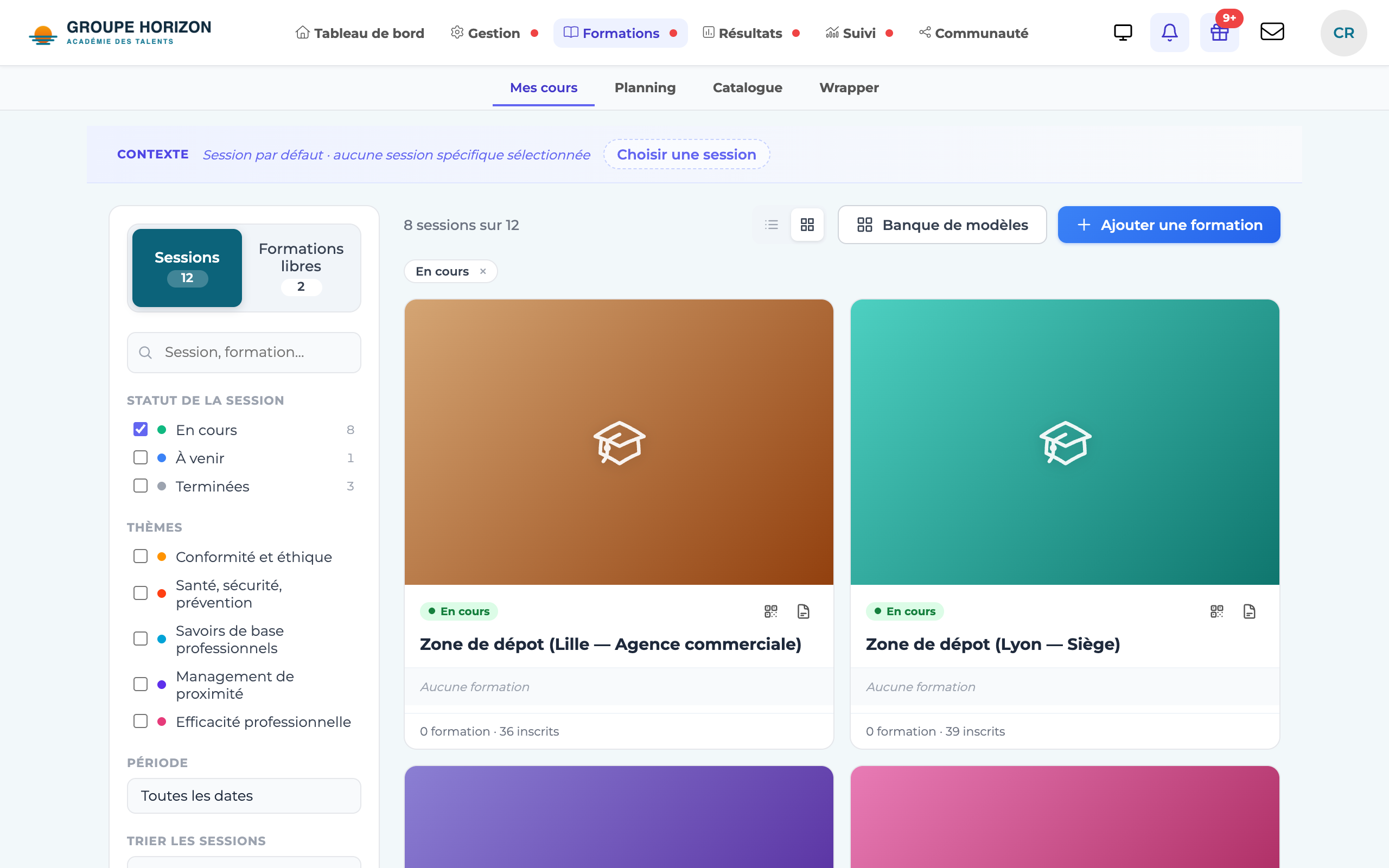
- Grid view highlights the course visuals: take care over the colour and icon of each course.
- Search and sorting work in both modes.