DGTLMS & LMSDISPATCHER Guide

Customisation & branding

All dashboard widgets

The complete inventory of widgets you can enable on the dashboard, grouped by theme, with the profile each one is intended for and a screenshot of each.

Administrator~10 minutesIntermediate

How to read this list

Each widget is intended for one or more profiles: Learner, Instructor, Admin or Everyone. In the home builder, you choose the target profile and then drag in the compatible widgets; the catalogue only offers the ones that match. The configuration is per profile and per site.

Profile & navigation

WidgetProfilePurpose
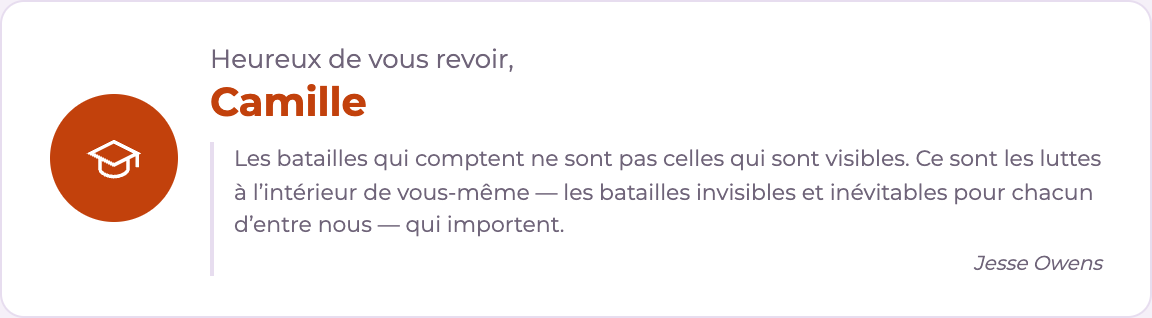
User profileEveryonePhoto, name and details of the logged-in user
Search barEveryoneGlobal search
ContactEveryoneContact link / form
Any questions about your courses?LearnerMessage pre-addressed to the instructors
Widget "User profile": Photo, name and details of the logged-in user
User profile — Everyone
Widget "Search bar": Global search field
Search bar — Everyone
Widget "Contact": Contact form or link
Contact — Everyone
Widget "Any questions about your courses?": Quick access to messaging pre-addressed to the learner's instructor(s). Hides itself if no instructor is assigned
Any questions about your courses? — Learner

Courses

WidgetProfilePurpose
Available coursesEveryoneCourses the user can access
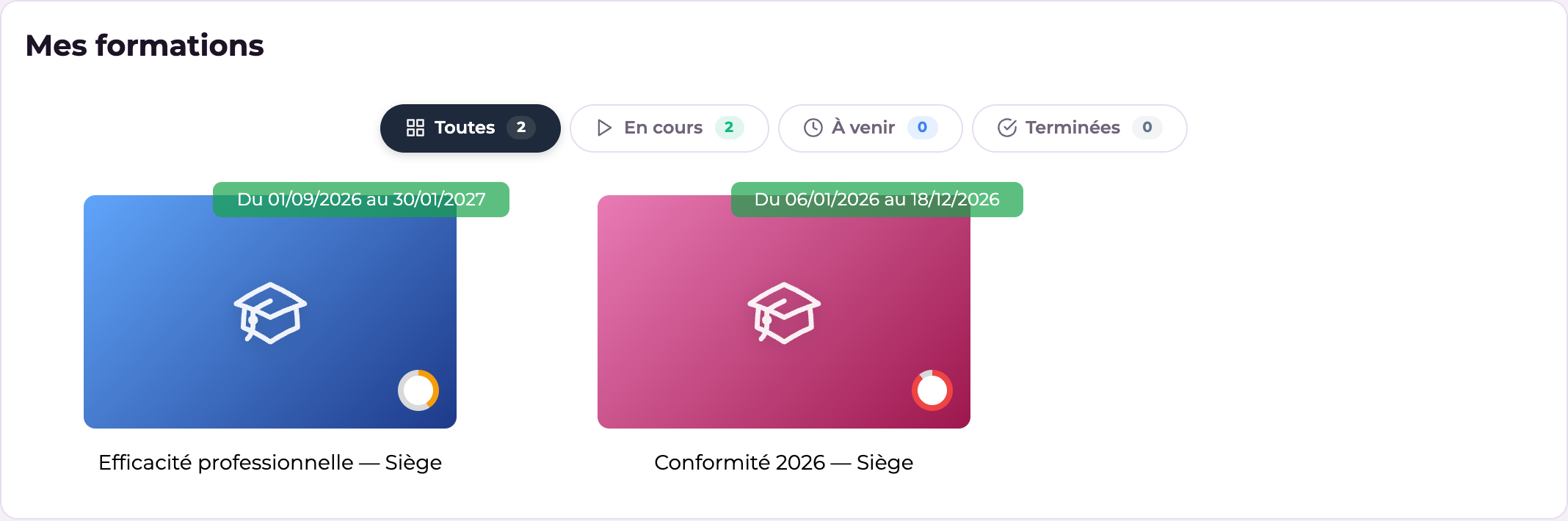
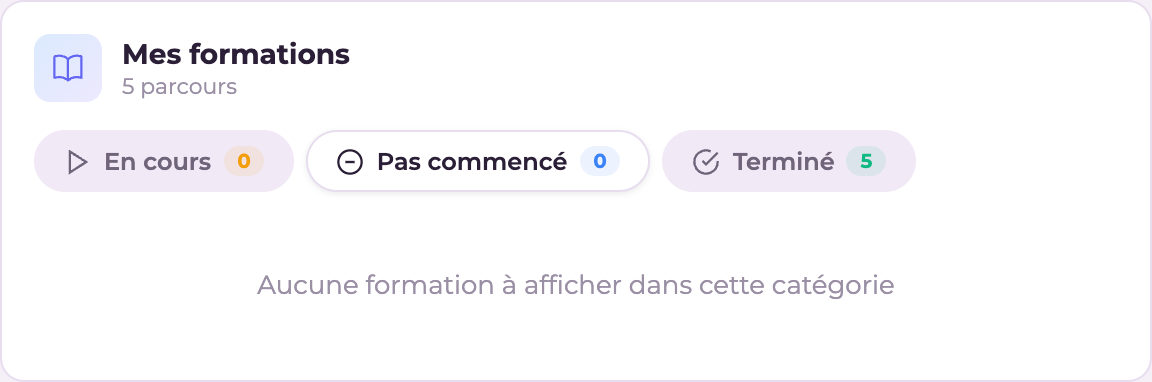
My coursesLearnerTheir courses in progress
Course carouselEveryoneSlideshow showcase
ProgressLearnerOverall progress
Number of coursesAdmin · InstructorVolume of courses
Widget "Available courses": List of accessible courses
Available courses — Everyone
Widget "My courses": List of courses in progress
My courses — Learner
Widget "Course carousel": Visual carousel of courses
Course carousel — Everyone
Widget "Progress": Overall progress bar
Progress — Learner
Widget "Number of courses": Course count
Number of courses — Admin · Instructor

Learner statistics

WidgetProfilePurpose
Training time (counter)LearnerCumulative time
Training time (chart)LearnerTime trend
CompletionLearnerCompletion rate
Number of coursesLearnerCounter
CertificatesLearnerTheir certificates
Recent activityLearnerChronological feed
Logins this weekLearnerRegularity
Progress (chart)LearnerProgress curve
Scores (radar)LearnerScores by theme
Scores (bars)LearnerScores by activity
Sessions & CoursesLearnerTheir enrolments
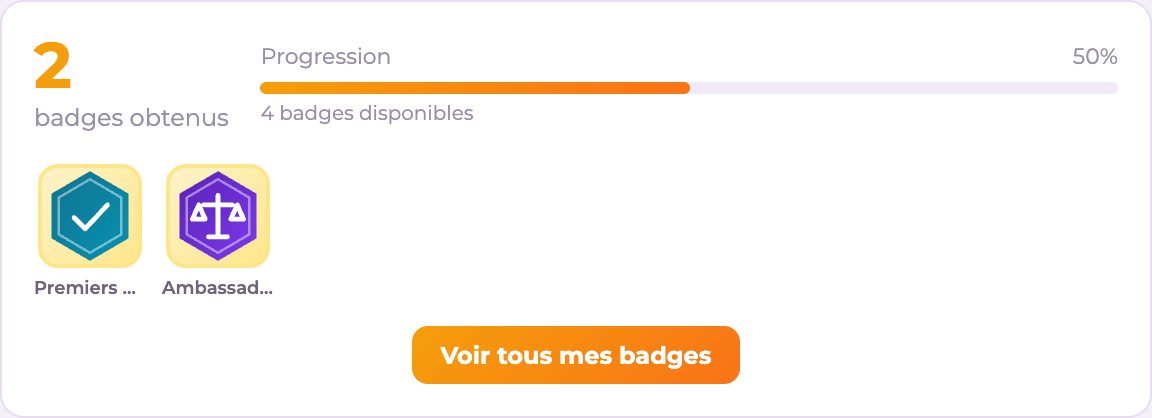
Learner badgesLearnerEarned and still to earn
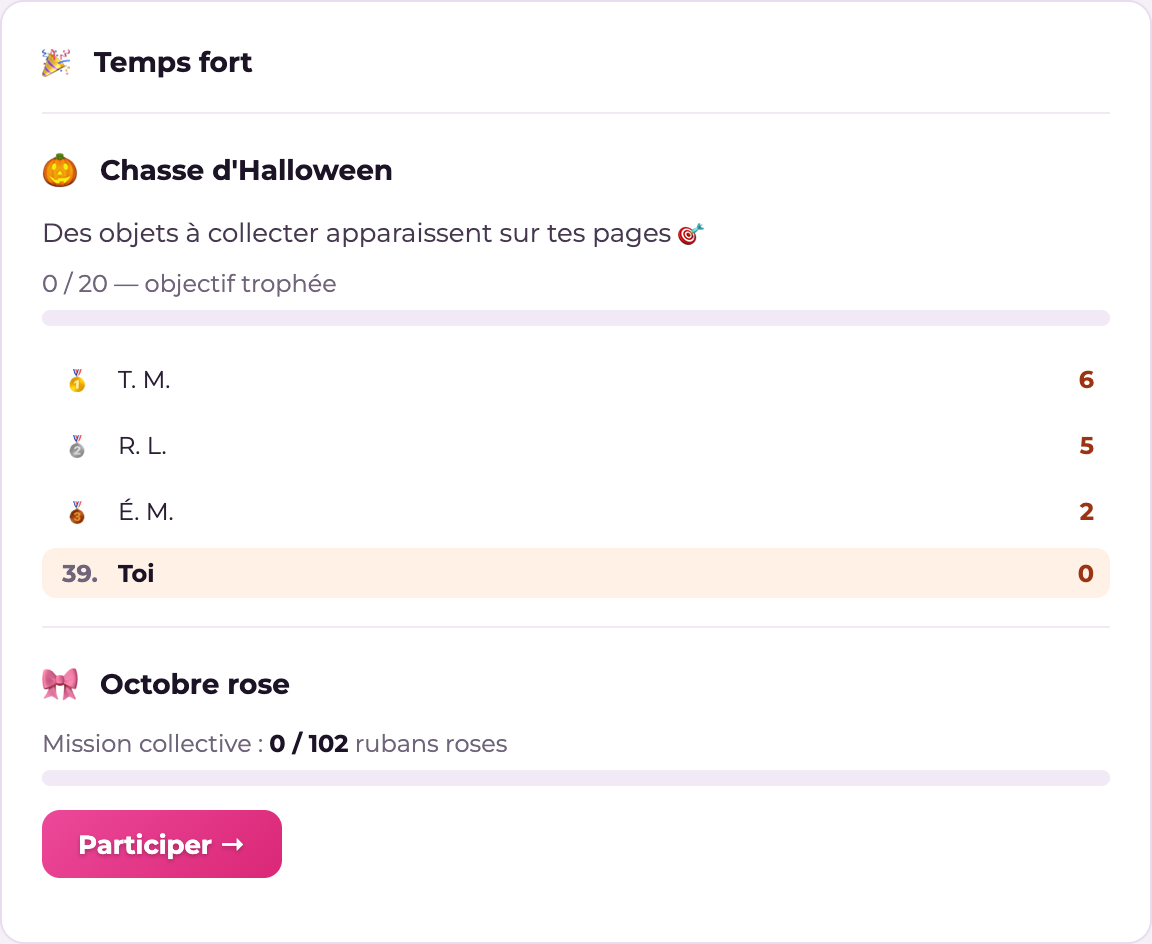
HighlightLearnerCurrent seasonal event
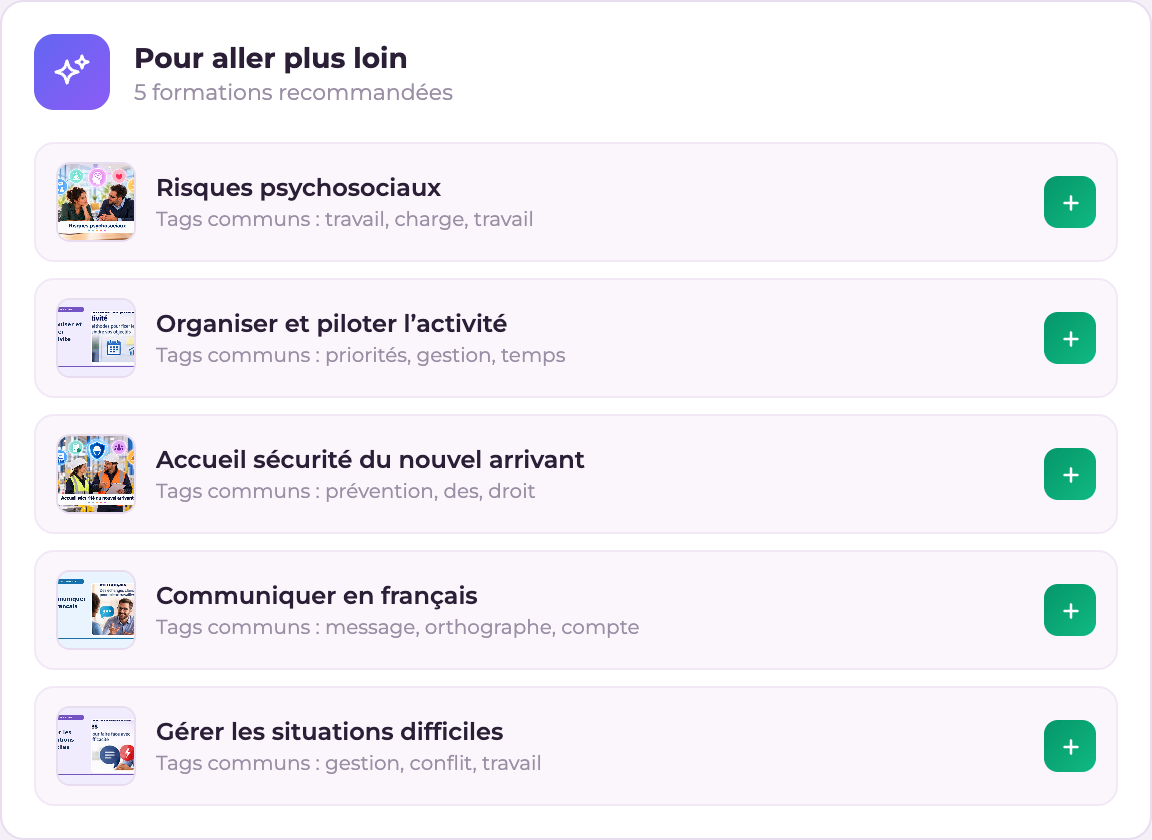
Course recommendationsLearnerSuggestions
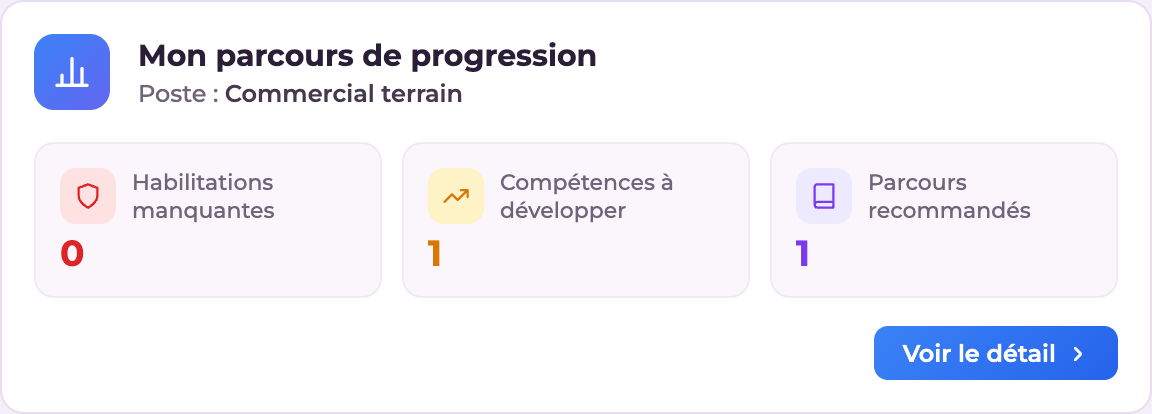
My progression pathLearnerJob/skills gaps
My portfolioLearnerPortfolio events and documents (if the portfolio is enabled)
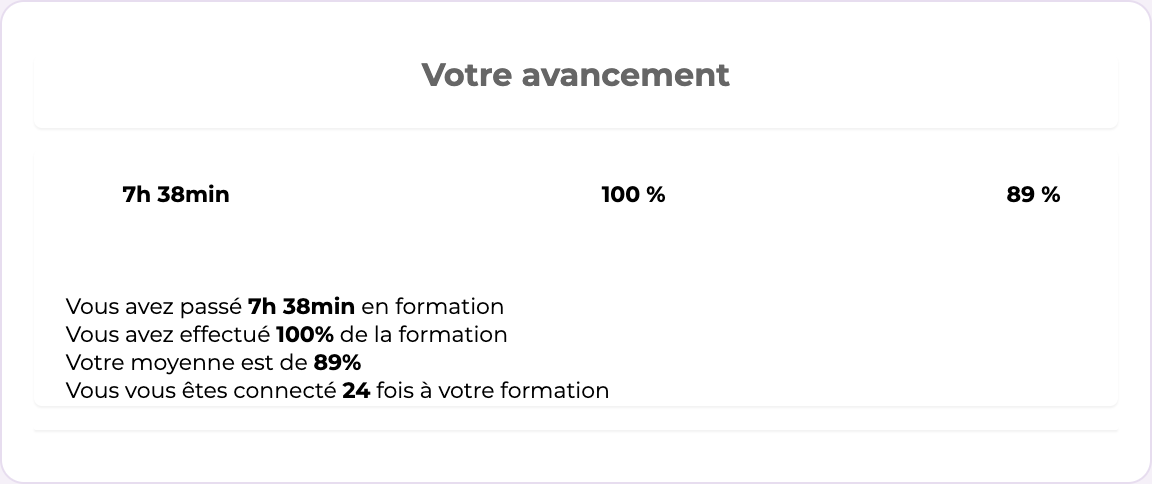
Widget "Training time (counter)": Total time spent in training
Training time (counter) — Learner
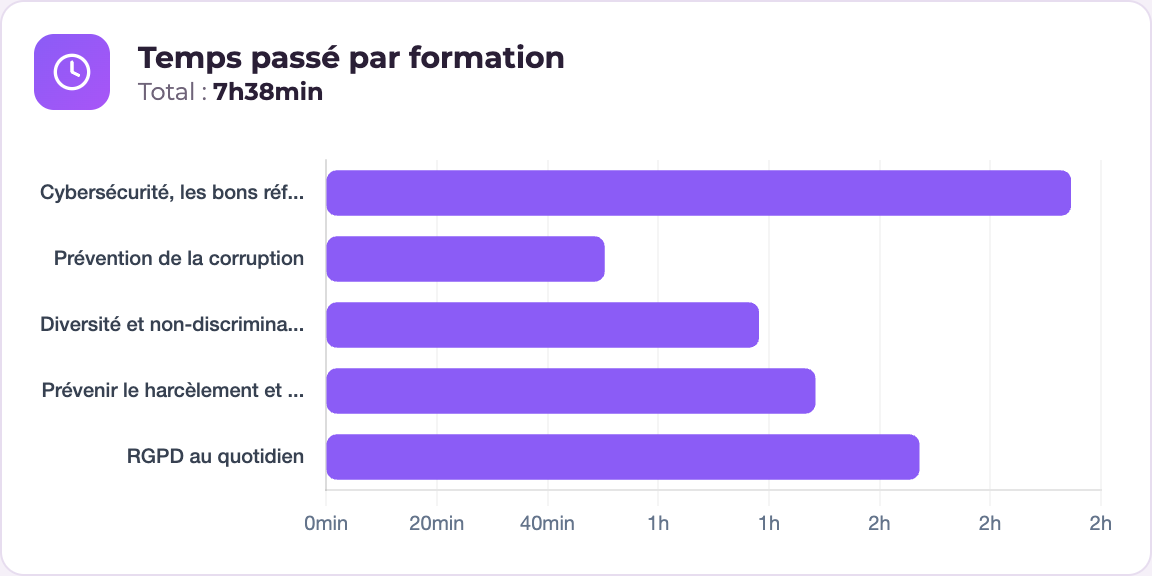
Widget "Training time (chart)": Chart of time spent per course
Training time (chart) — Learner
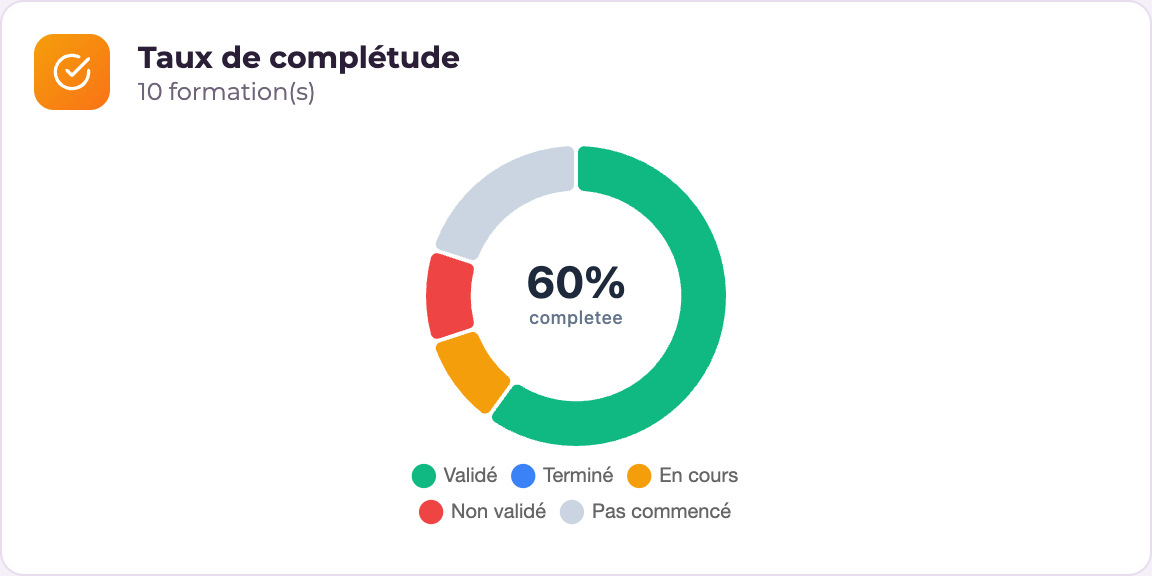
Widget "Completion": Course completion rate
Completion — Learner
Widget "Number of courses": Number of courses taken
Number of courses — Learner
Widget "Certificates": Certificates earned
Certificates — Learner
Widget "Number of learners": Learner count
Number of learners — Admin · Instructor
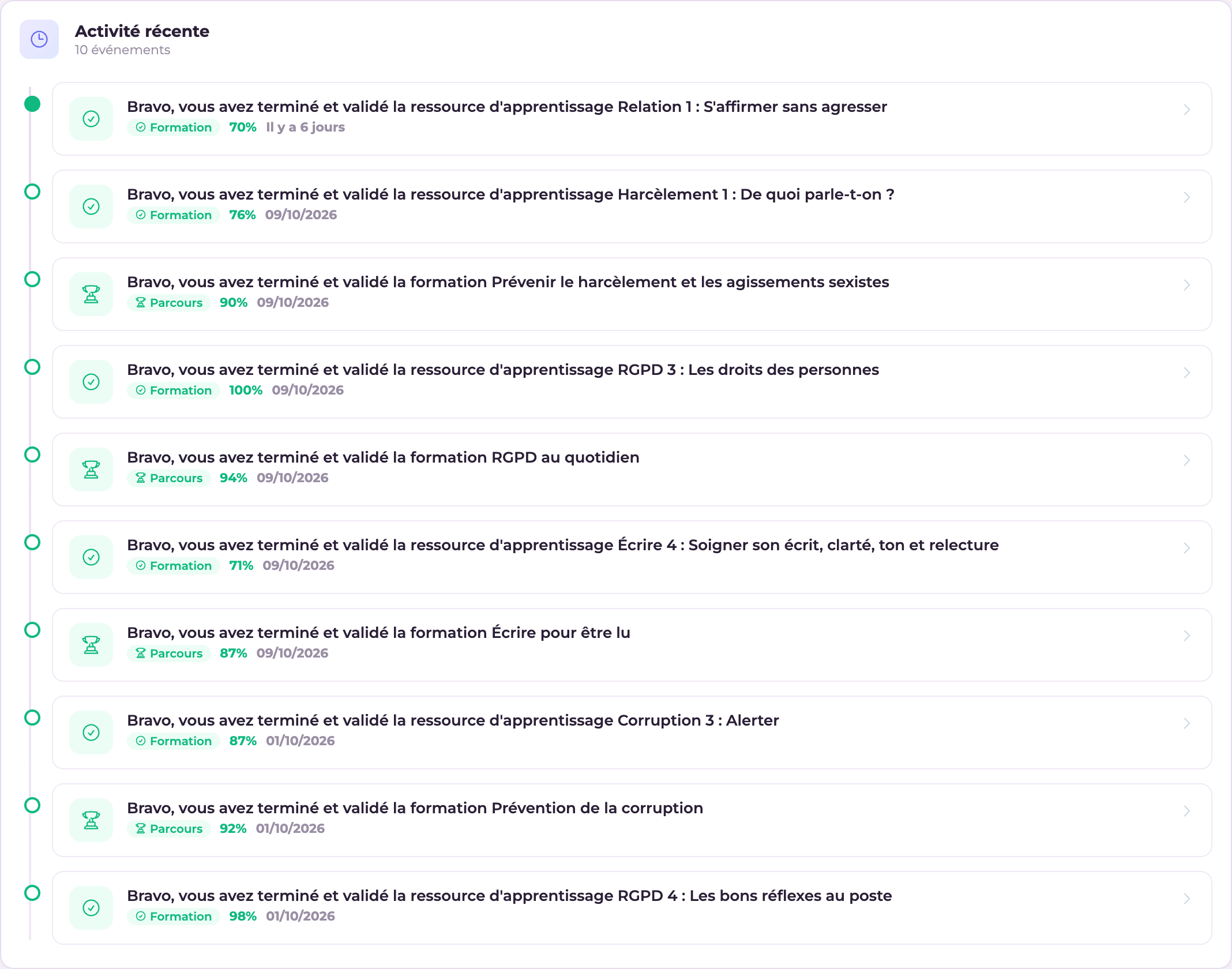
Widget "Recent activity": Timeline of the learner's recent activity
Recent activity — Learner
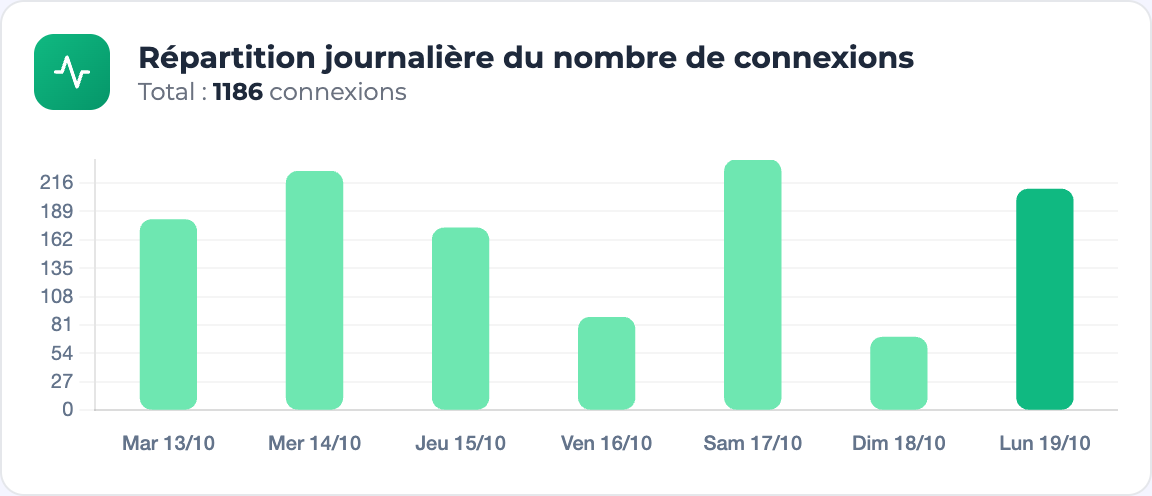
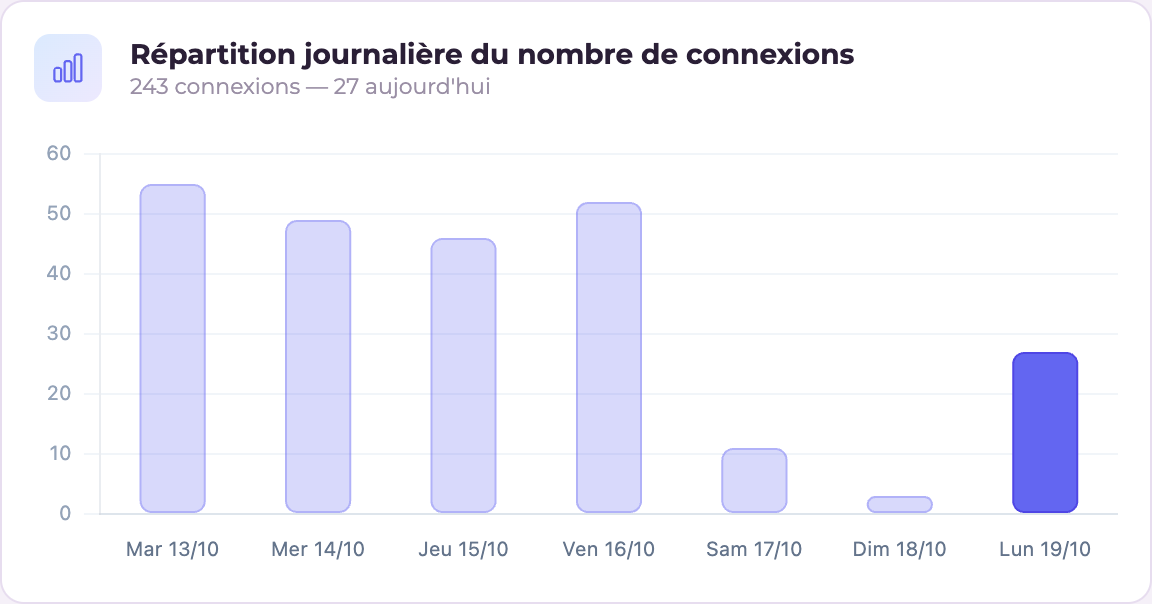
Widget "Logins this week": Chart of logins over the week
Logins this week — Learner
Widget "Progress (chart)": Overall progress chart
Progress (chart) — Learner
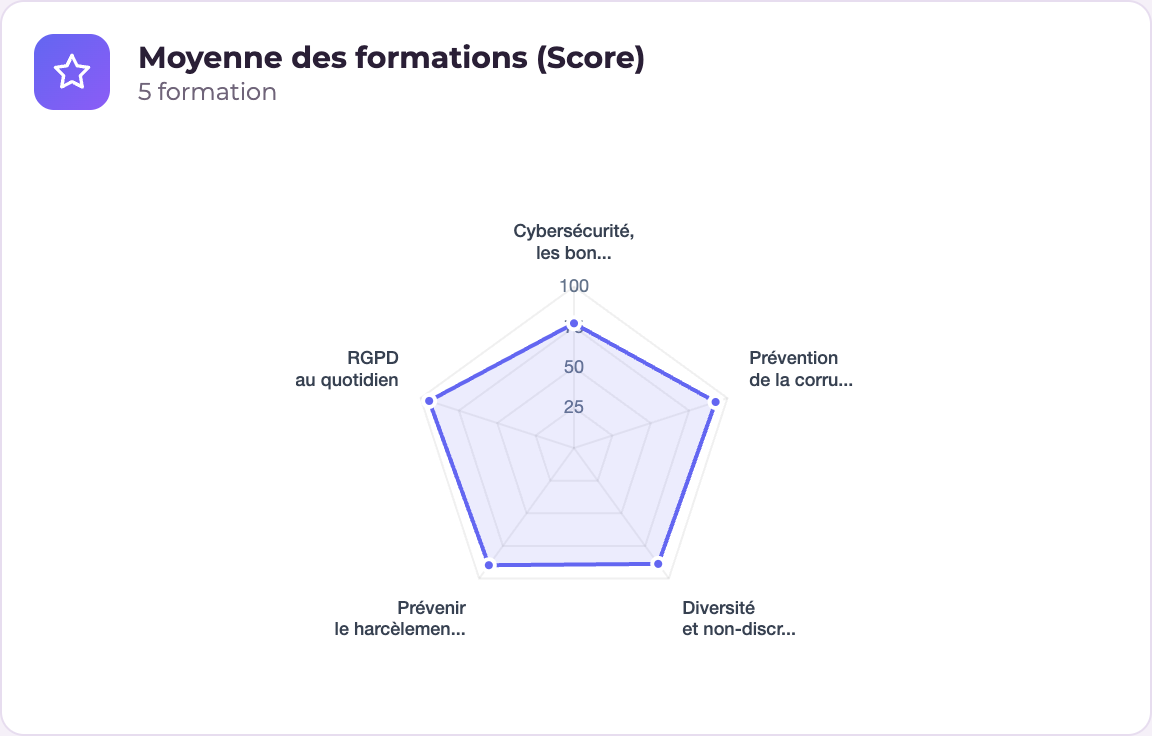
Widget "Scores (radar)": Radar chart of scores by skill
Scores (radar) — Learner
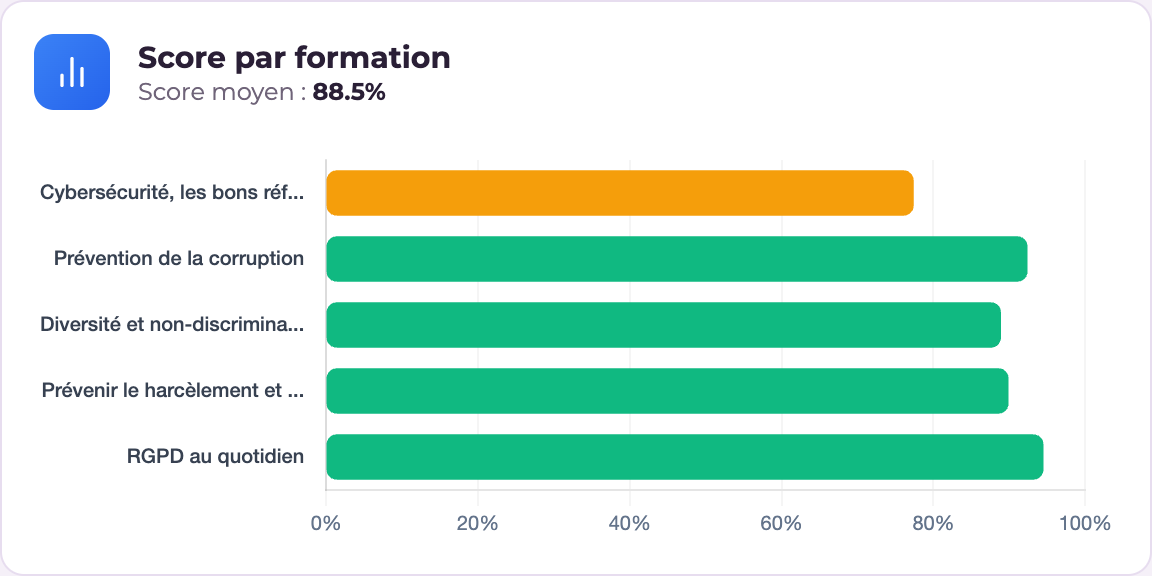
Widget "Scores (bars)": Bar chart of scores
Scores (bars) — Learner
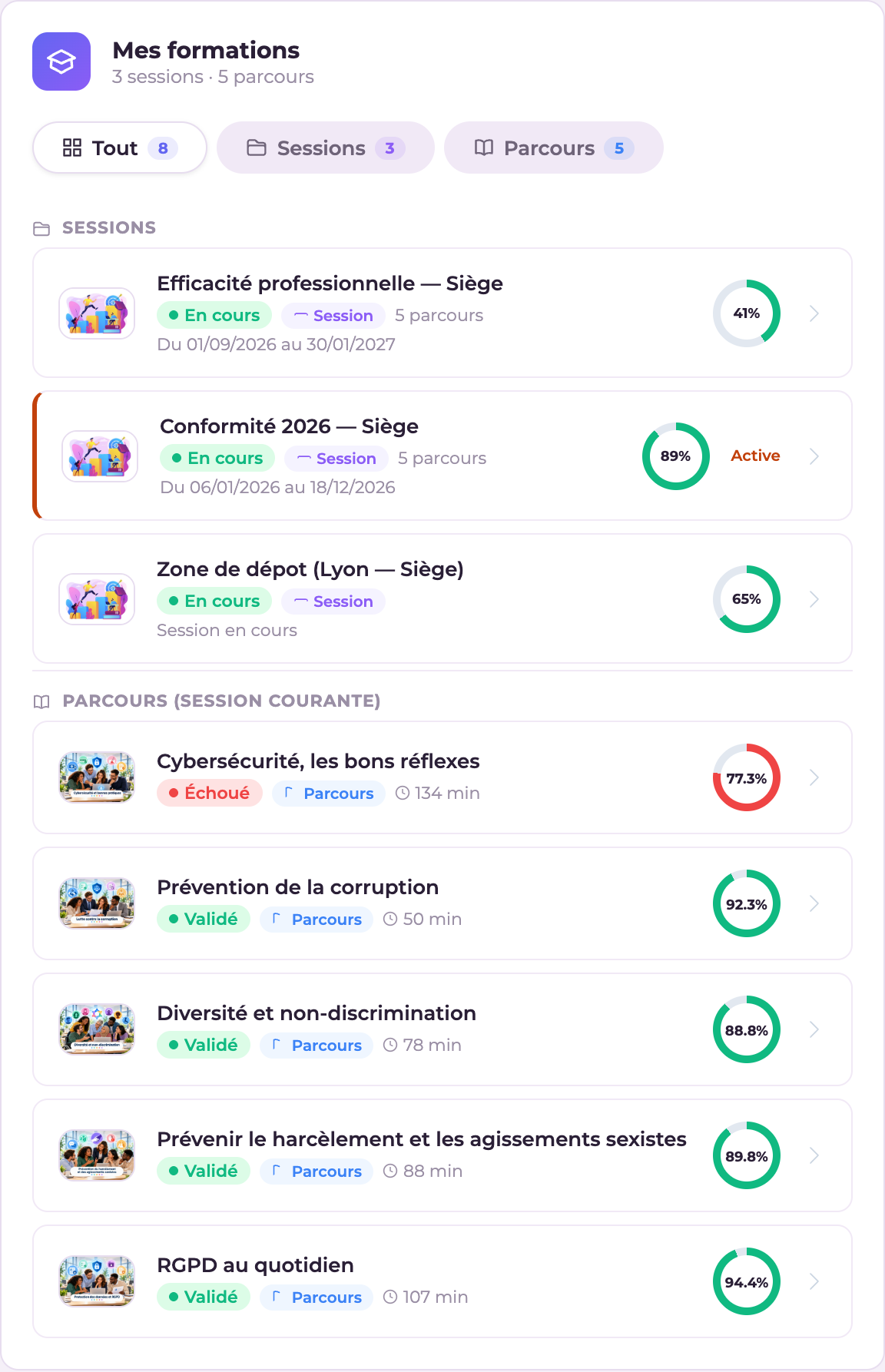
Widget "Sessions & Courses": List of the learner's sessions and courses
Sessions & Courses — Learner
Widget "Learner badges": List of badges the learner has earned and can still earn
Learner badges — Learner
Widget "Highlight": Single adaptive widget for seasonal highlights: item hunt, advent calendar, mini-game, awareness + leaderboard, depending on the current event
Highlight — Learner
Widget "Course recommendations": Course recommendations for the learner
Course recommendations — Learner
Widget "My progression path": Summary of the job/skills gap (missing certifications and skills, recommended courses). Hides itself if no job role is assigned to the learner
My progression path — Learner

Instructor statistics

WidgetProfilePurpose
Session completionInstructorProgress of sessions
Dropout riskInstructorLearners to follow up
Blocked learners (attempts)InstructorAttempts used up + "Grant +"
7-day engagementInstructorRecent activity
PerformanceInstructorOverall results
Grading to doInstructorPending work
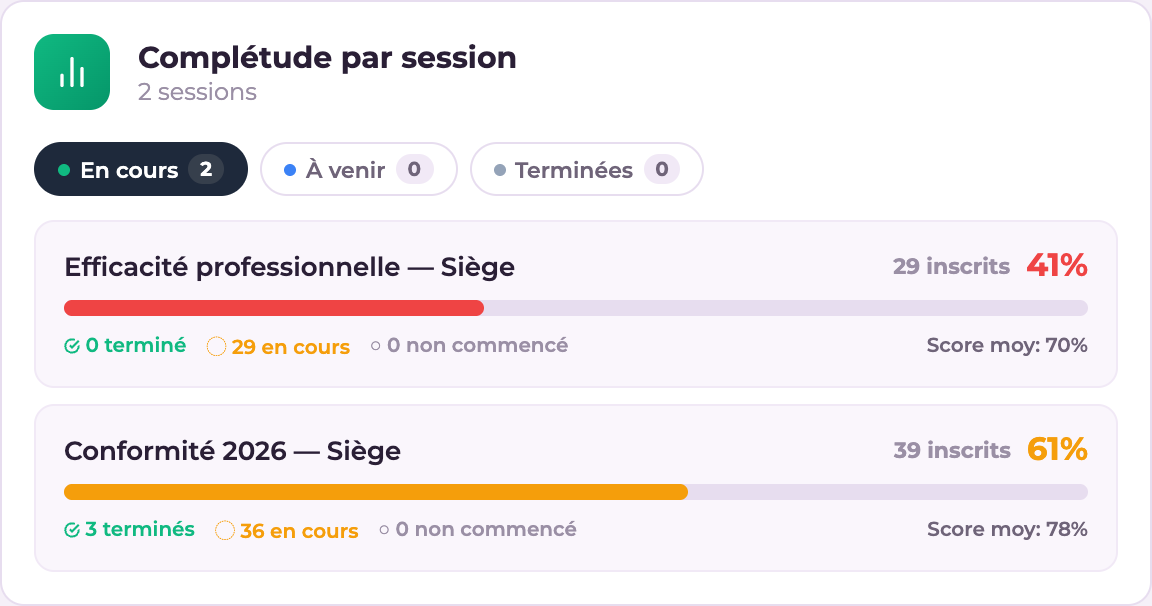
Widget "Session completion": Completion rate of the instructor's sessions
Session completion — Instructor
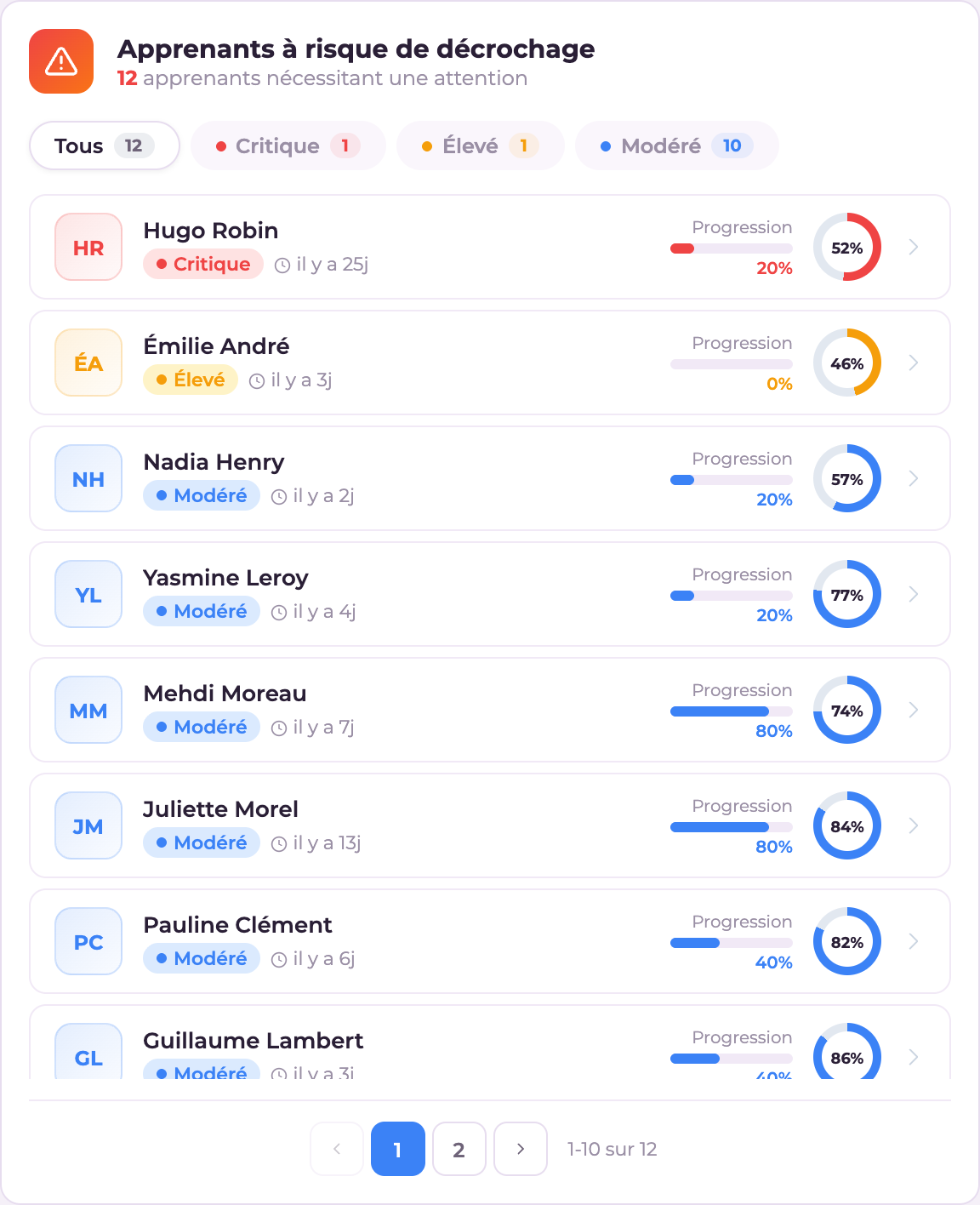
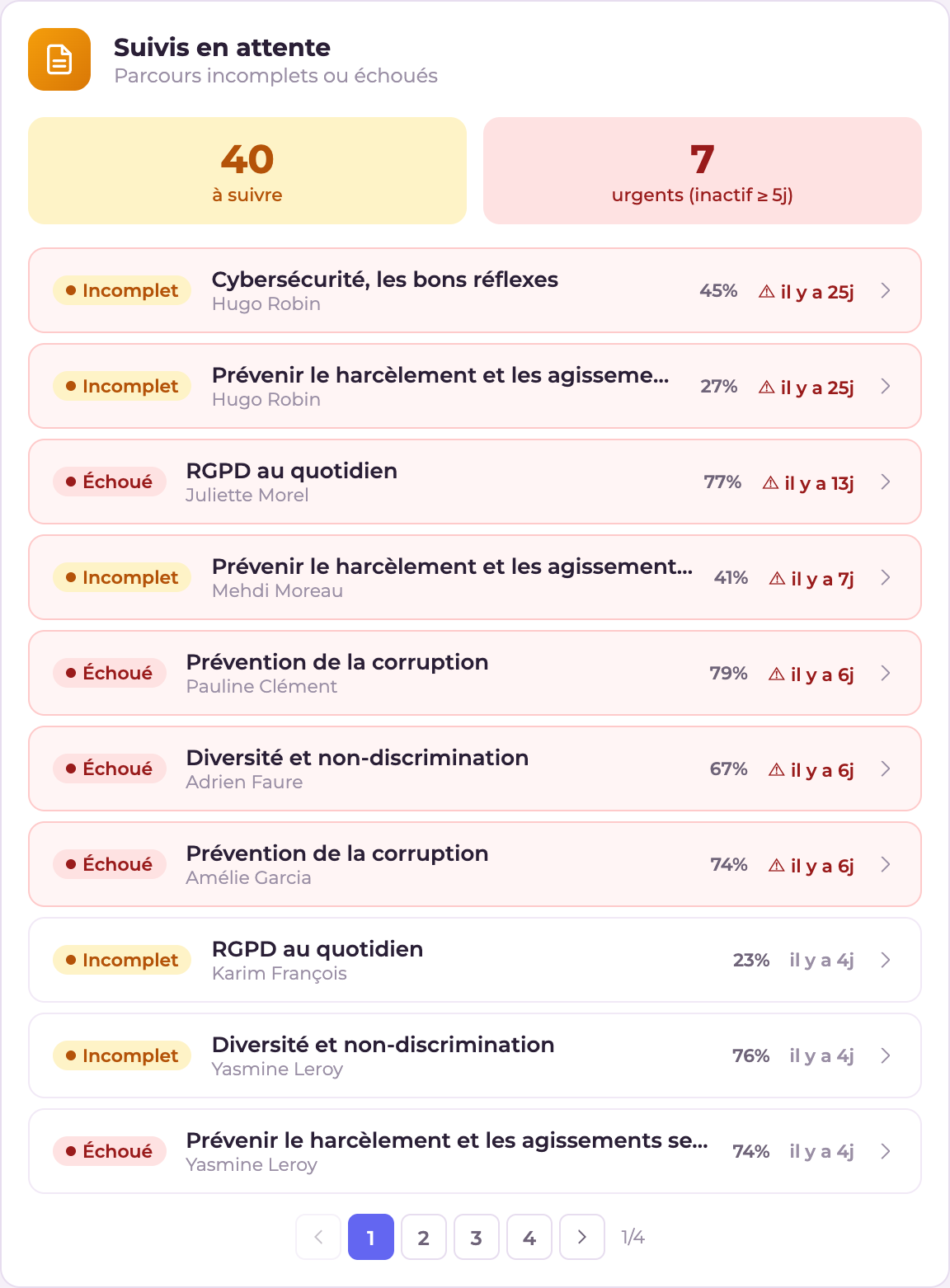
Widget "Dropout risk": Learners at risk of dropping out
Dropout risk — Instructor
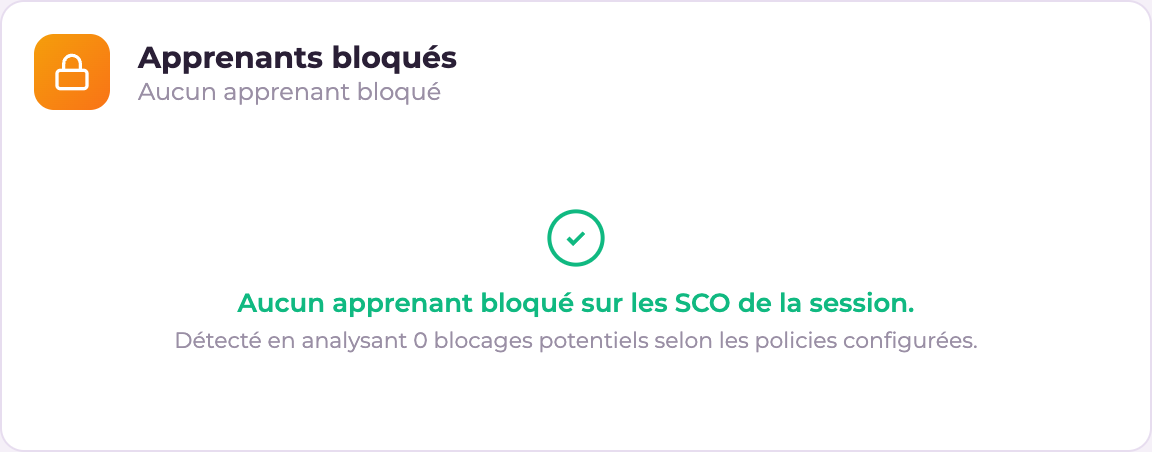
Widget "Blocked learners (attempts)": List of learners who have used up their attempt allowance on a SCO, with a "Grant +" button
Blocked learners (attempts) — Instructor
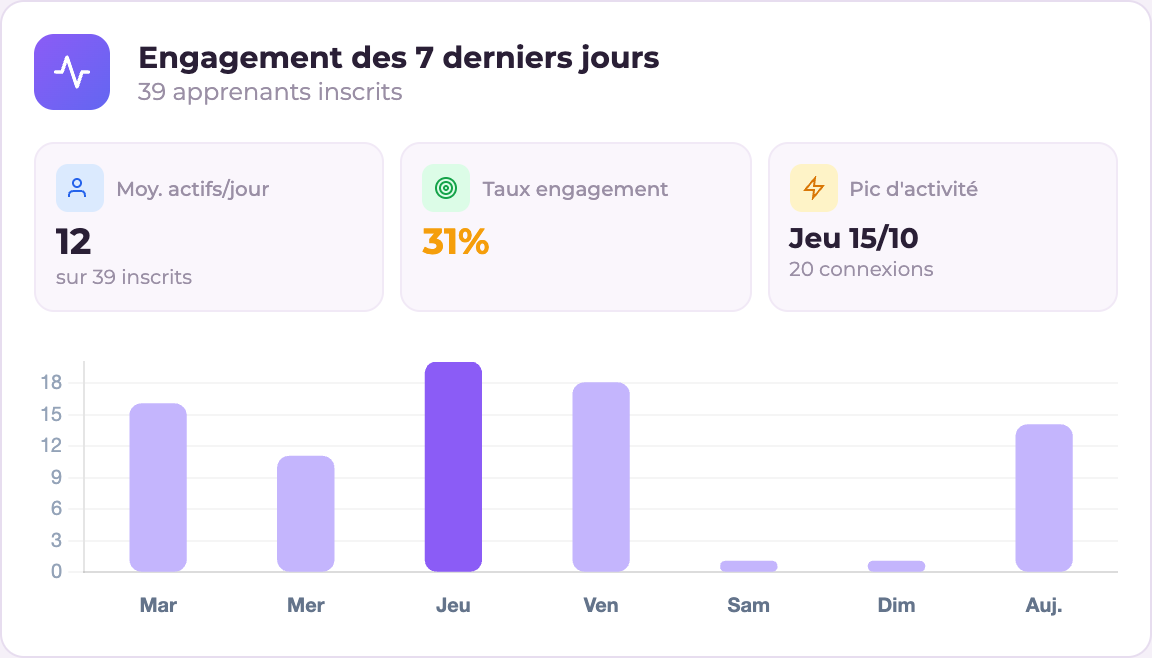
Widget "7-day engagement": Learner engagement over the last 7 days
7-day engagement — Instructor
Widget "Performance": Overall learner performance
Performance — Instructor
Widget "Grading to do": Work awaiting grading
Grading to do — Instructor

Administration

WidgetProfilePurpose
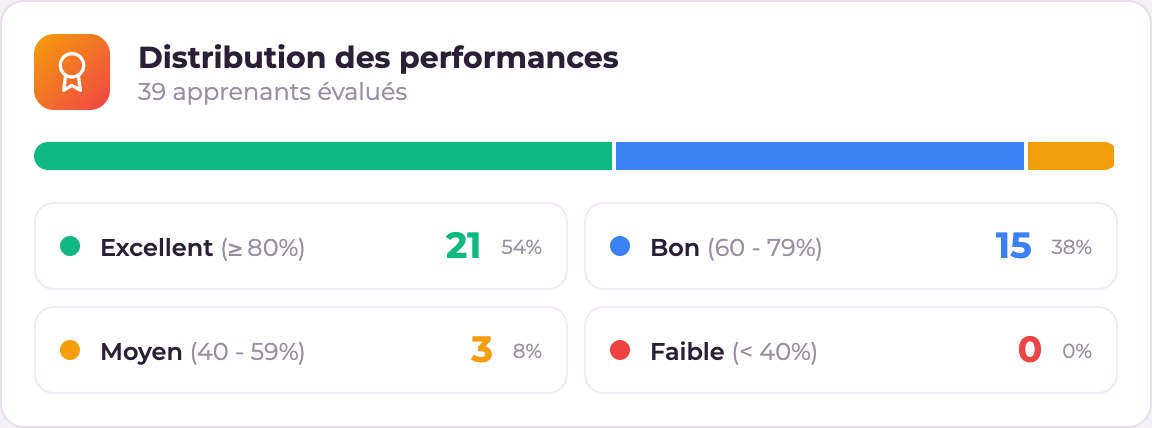
Admin statistics · Administrator KPIsAdminKey indicators
Enrolment trendAdminTrend
Alerts · Breakdown · Training healthAdminOversight
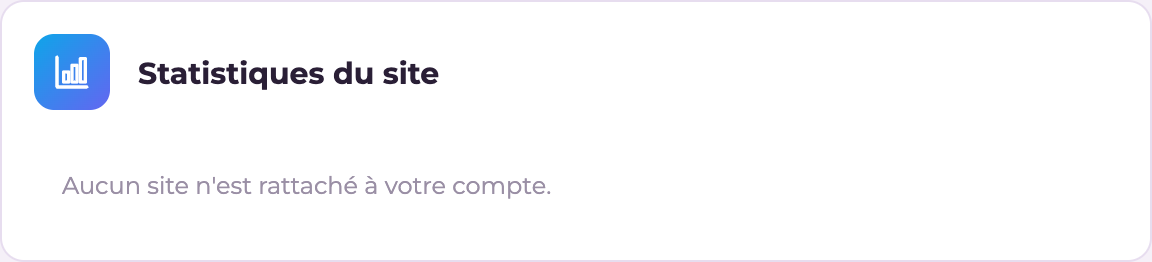
Site statisticsAdminAccounts, courses, disk space
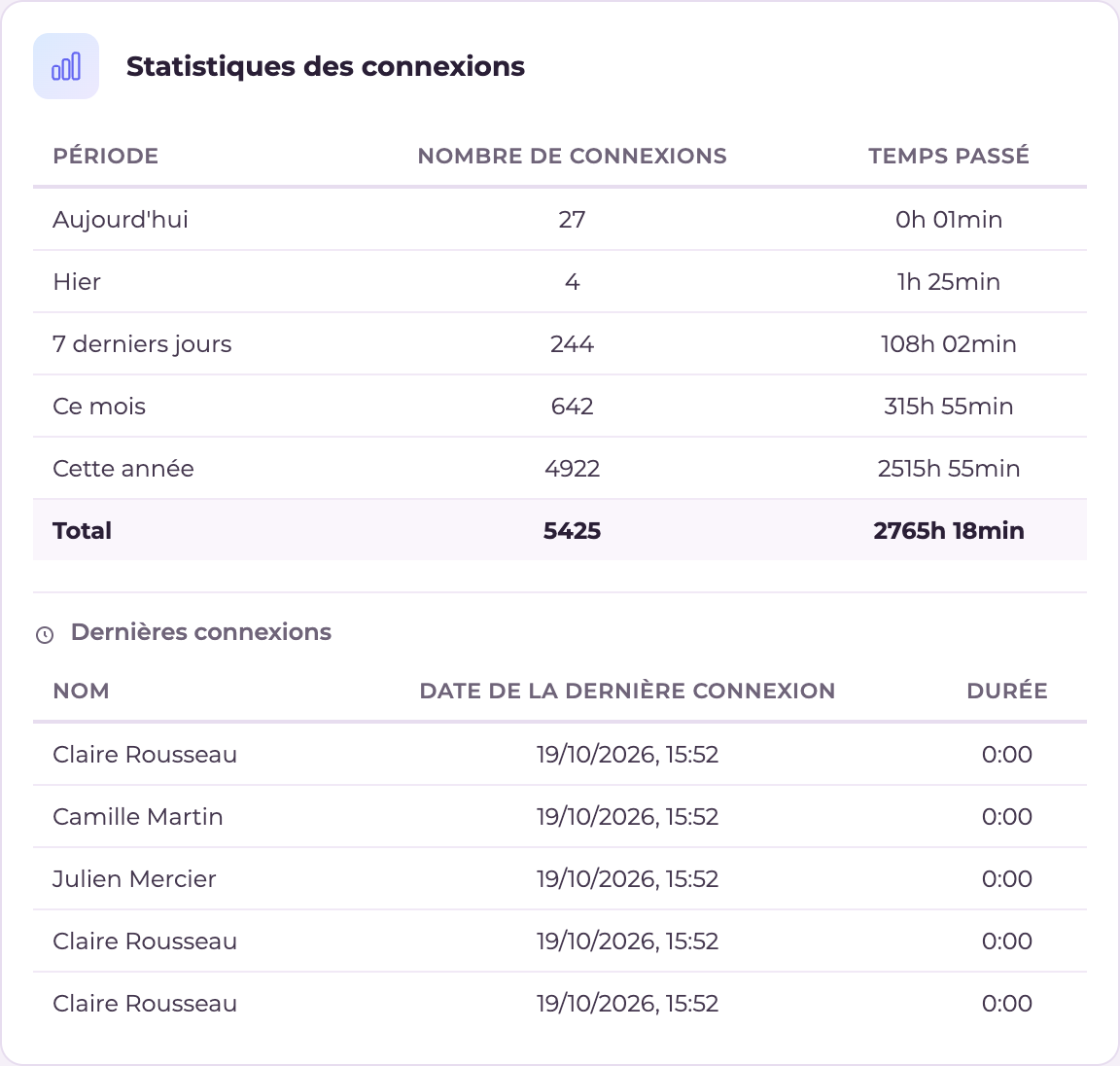
Login statisticsAdminAttendance
Weekly logins · Online learnersAdmin · InstructorReal-time activity
Top learners · Learner resultsAdmin · InstructorPerformance
Most popular · ViewsAdmin · InstructorContent usage
Learning stars · Learning timeAdmin · InstructorEngagement
Participation rateAdmin · InstructorAttendance rate
Learner groups · InstructorsAdmin · InstructorDirectories
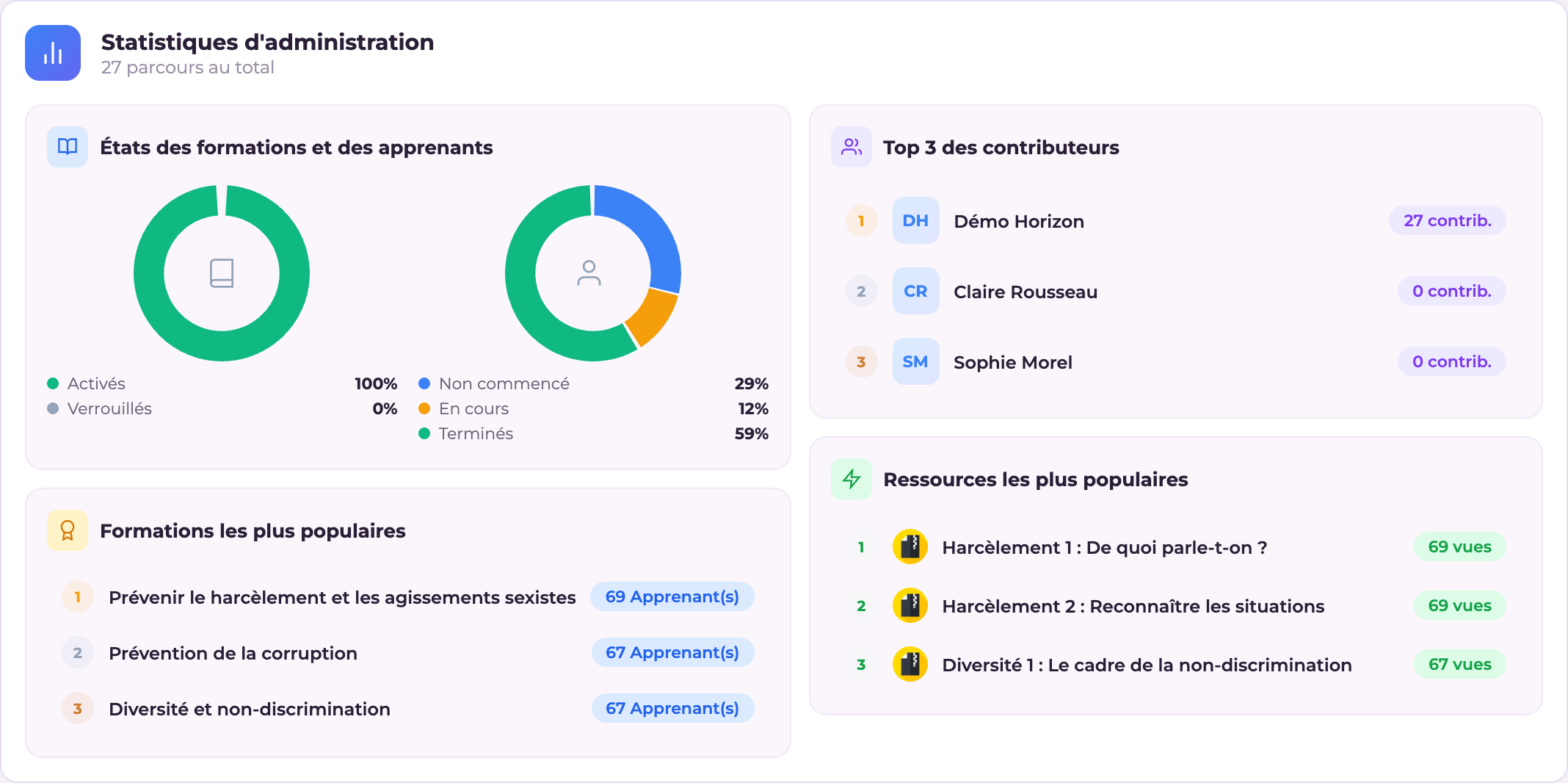
Widget "Admin statistics": Administrator statistics dashboard
Admin statistics — Admin
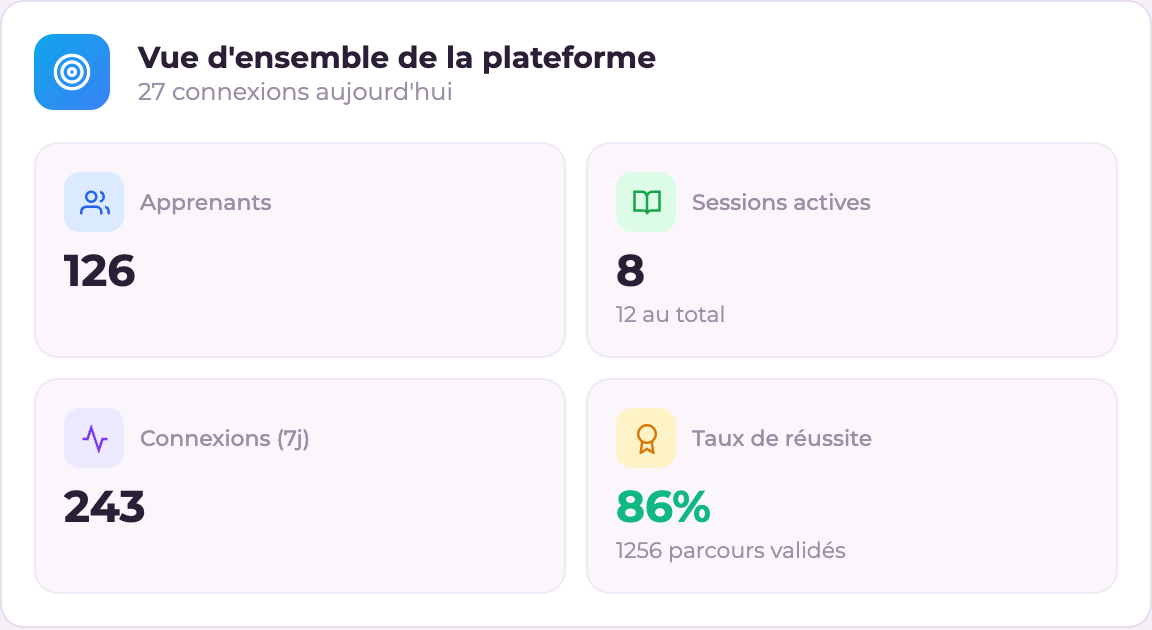
Widget "Administrator KPIs": Overall key performance indicators
Administrator KPIs — Admin
Widget "Enrolment trend": Chart of enrolment trends over time
Enrolment trend — Admin
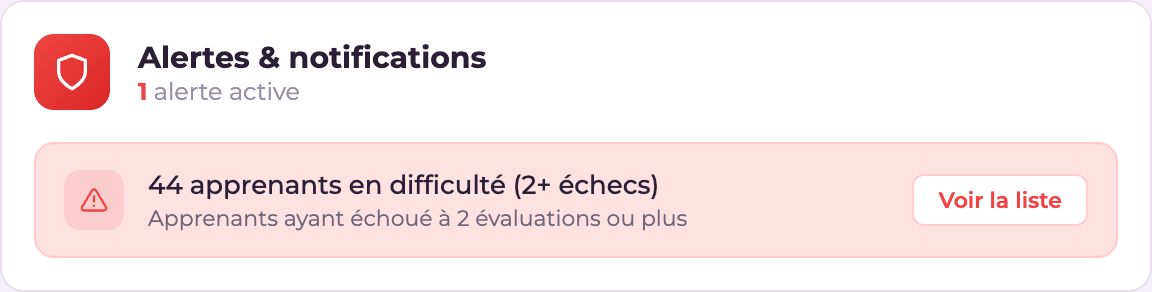
Widget "Alerts": Administrator alerts and notifications
Alerts — Admin
Widget "Breakdown": Breakdown of learners by course/site
Breakdown — Admin
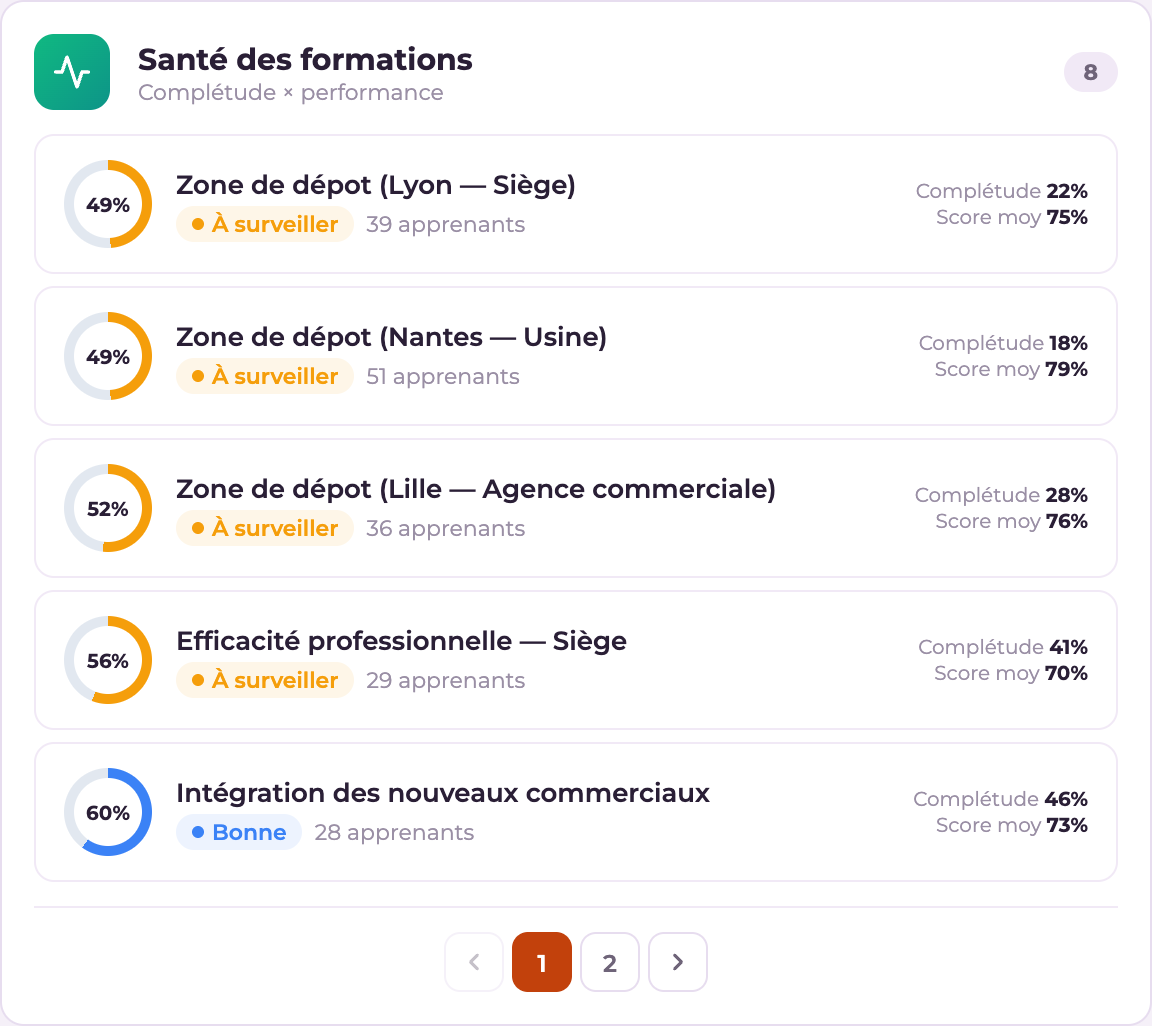
Widget "Training health": Overall health of courses
Training health — Admin
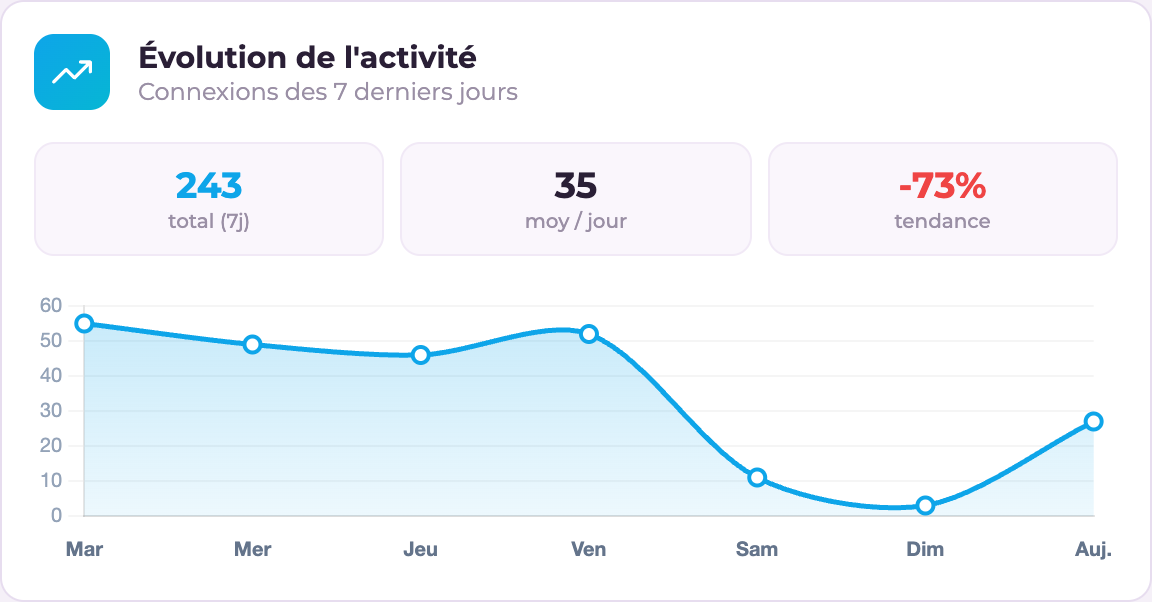
Widget "Login statistics": Chart of logins to the platform
Login statistics — Admin
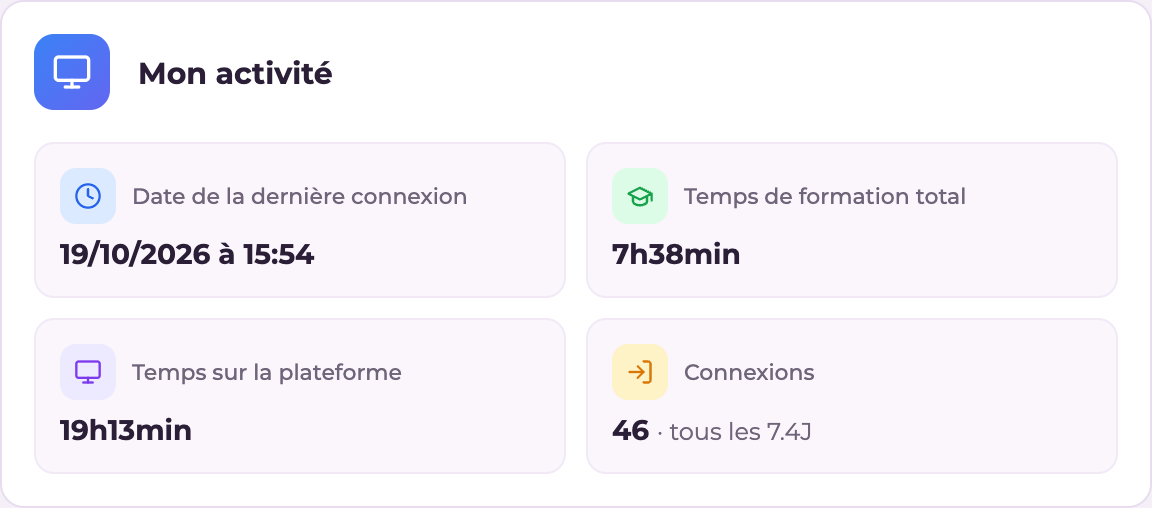
Widget "Site statistics": Users, learners, instructors, courses and disk space
Site statistics — Admin
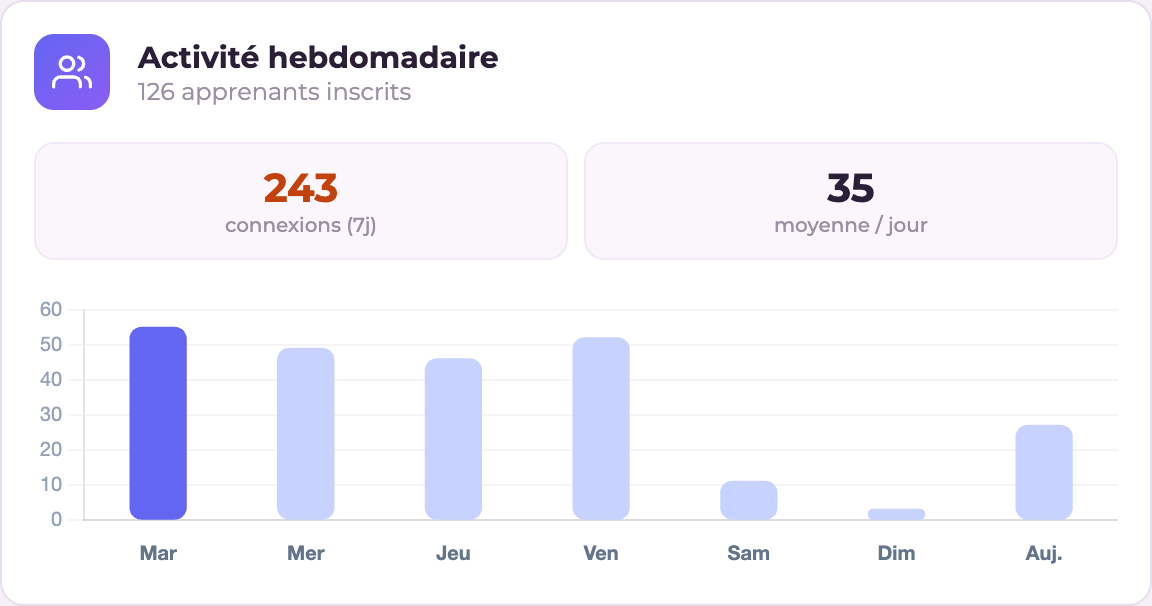
Widget "Weekly logins": Logins for the current week
Weekly logins — Admin · Instructor
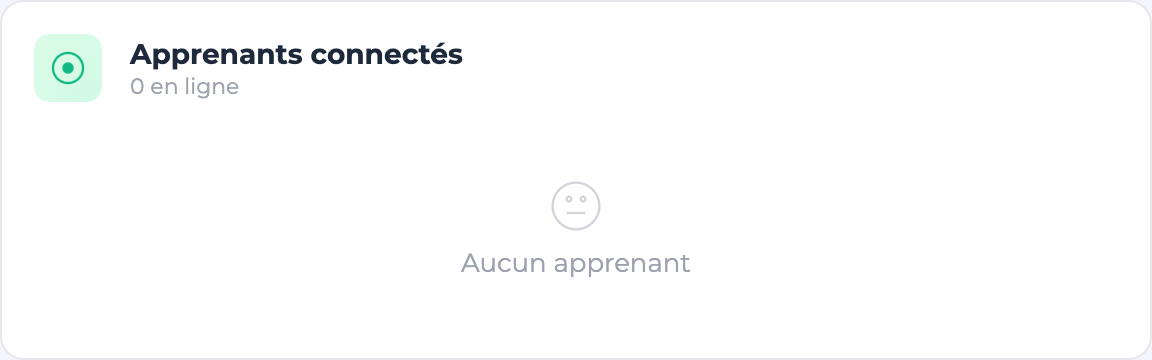
Widget "Online learners": List of learners currently logged in
Online learners — Admin · Instructor
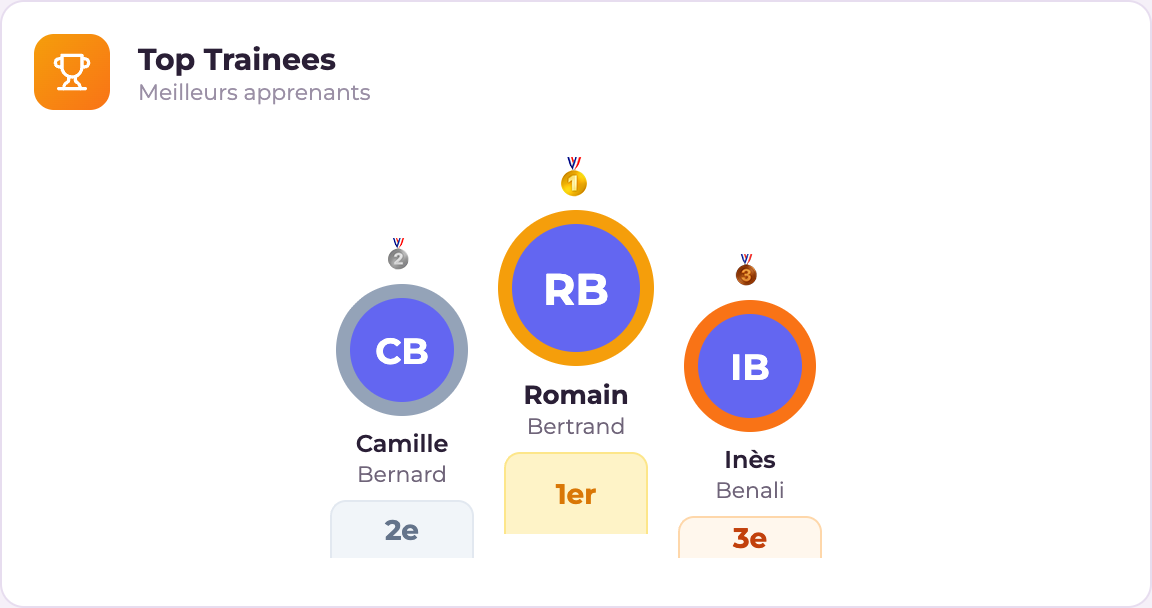
Widget "Top learners": Ranking of the best learners
Top learners — Admin · Instructor
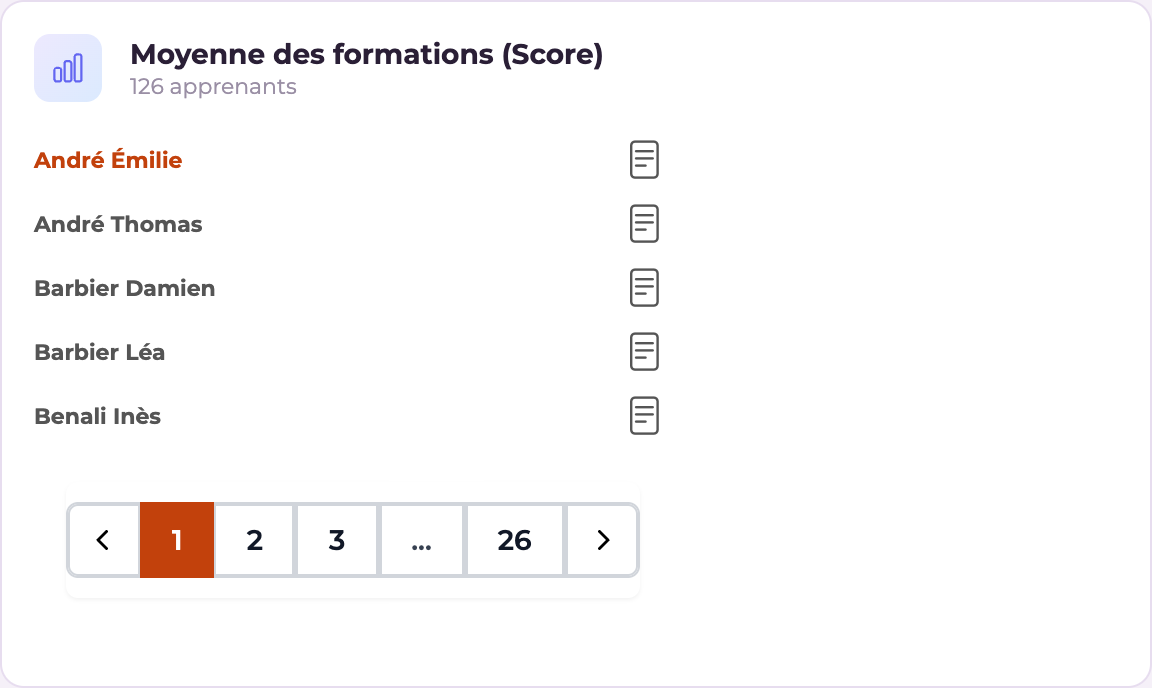
Widget "Learner results": Table of learner results
Learner results — Admin · Instructor
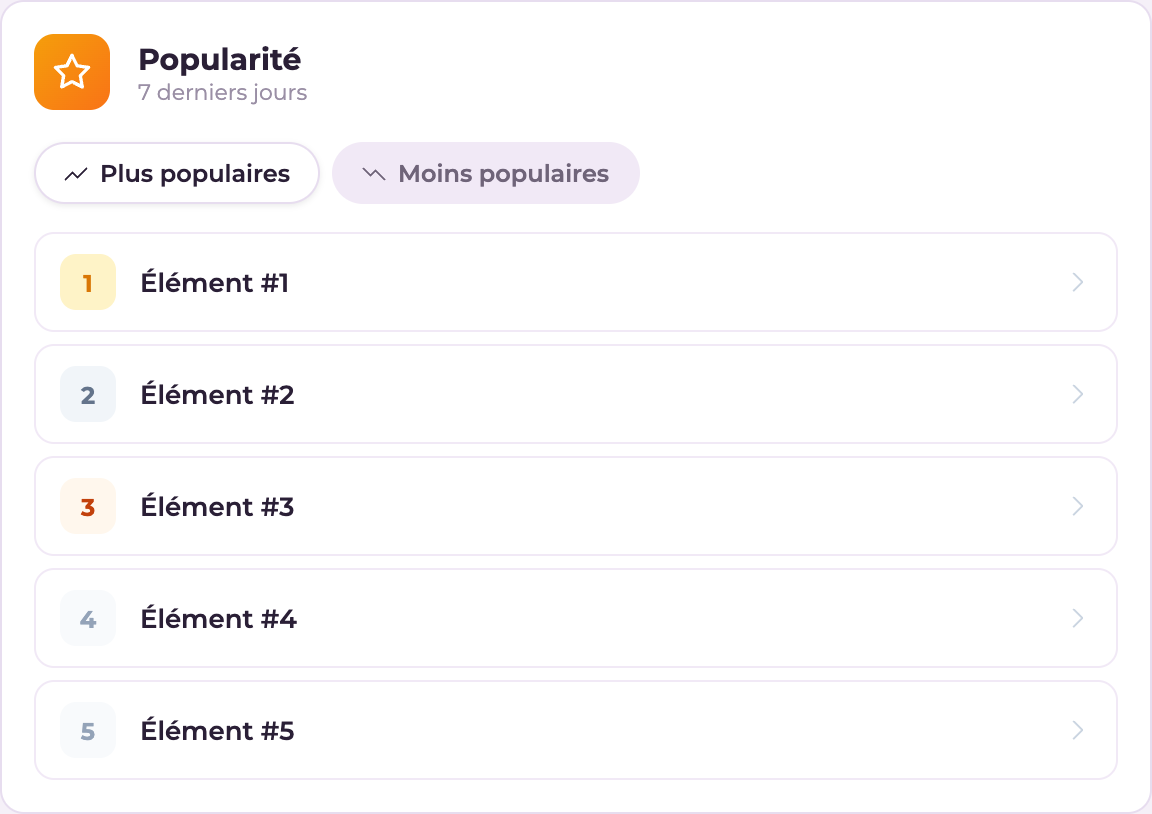
Widget "Most popular": Most viewed courses
Most popular — Admin · Instructor
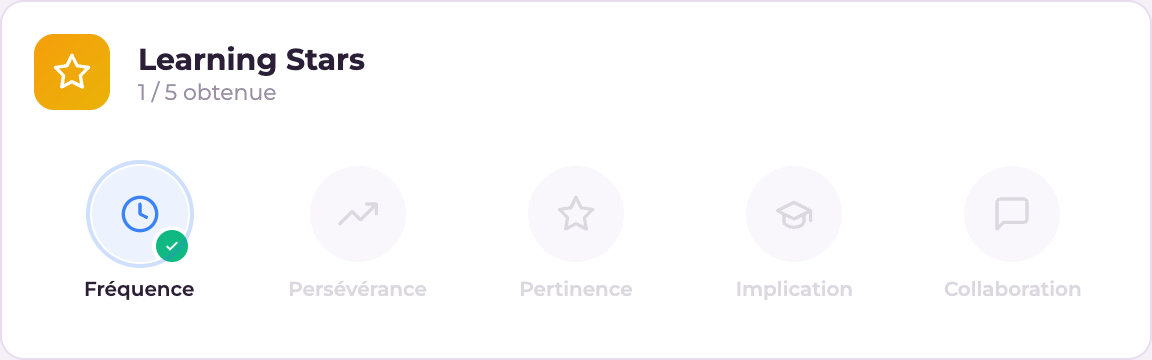
Widget "Learning stars": Gamified learning indicators
Learning stars — Admin · Instructor
Widget "Learning time": Total learning time on the platform
Learning time — Admin · Instructor
Widget "Participation rate": Overall participation percentage
Participation rate — Admin · Instructor
Widget "Views": Number of content views
Views — Admin · Instructor
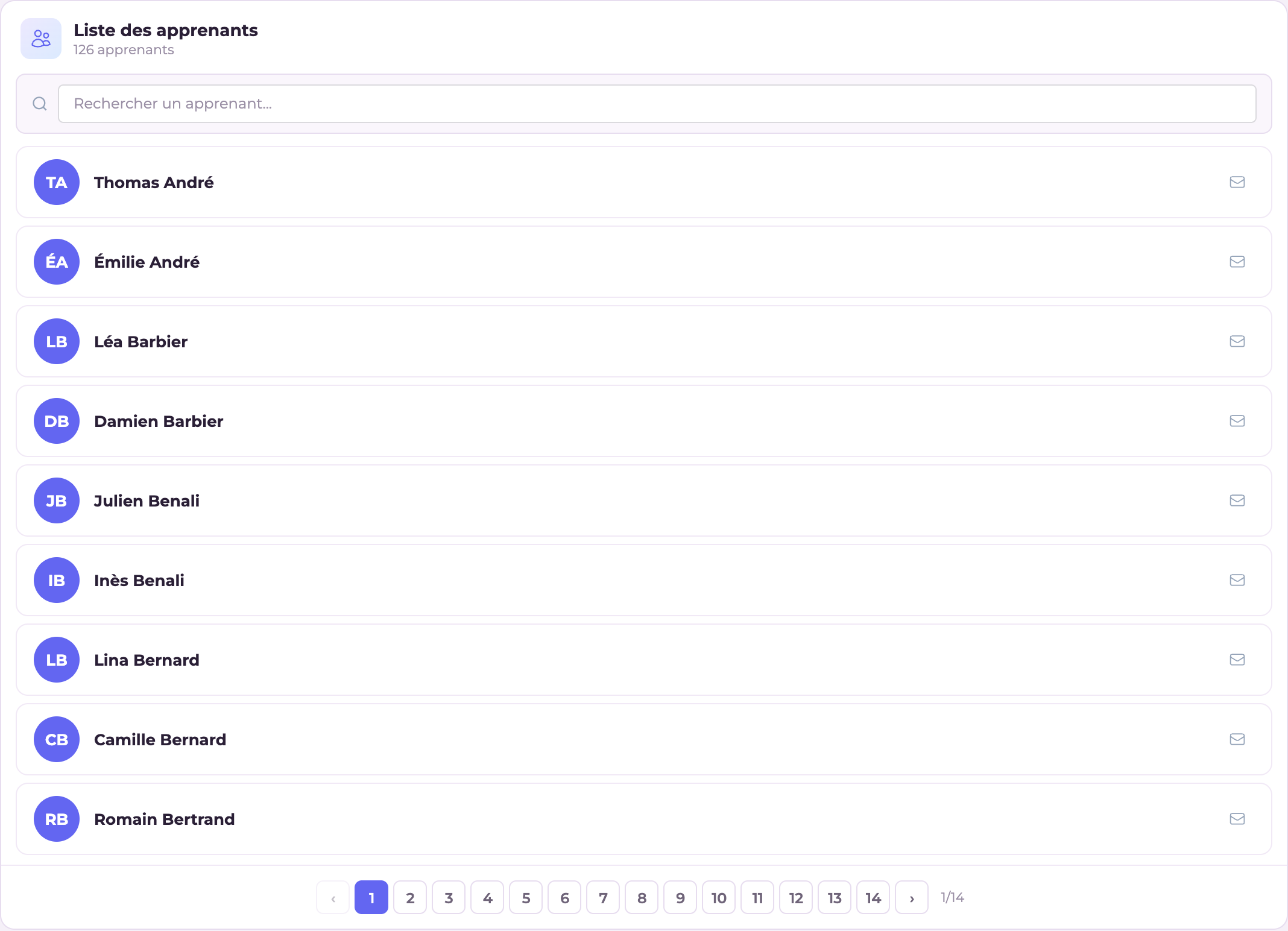
Widget "Learner groups": View by learner group
Learner groups — Admin · Instructor
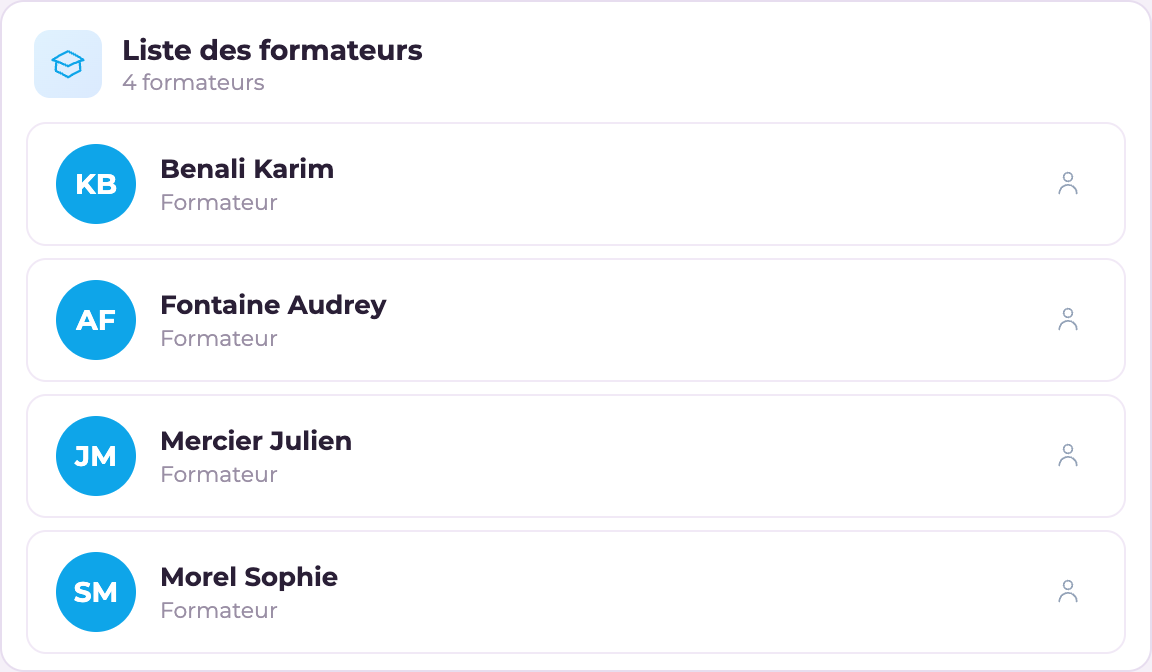
Widget "Instructors": List of instructors
Instructors — Admin

Community

WidgetProfilePurpose
PlanningEveryoneCalendar
NewsEveryoneAnnouncements
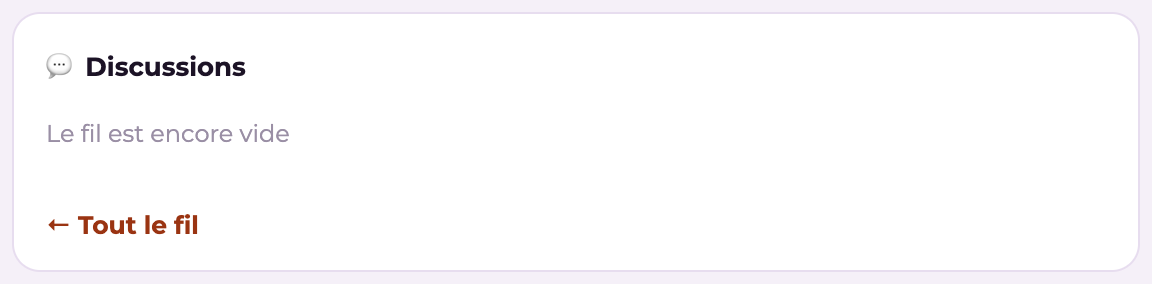
Forum · Discussion feed (+ compact version)EveryoneDiscussions
TimelineEveryoneChronological feed
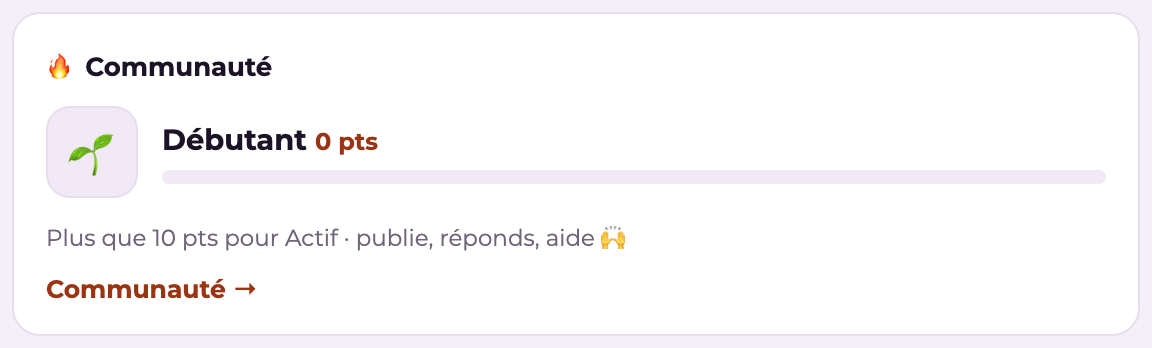
My communityEveryoneLevel, points, recognition
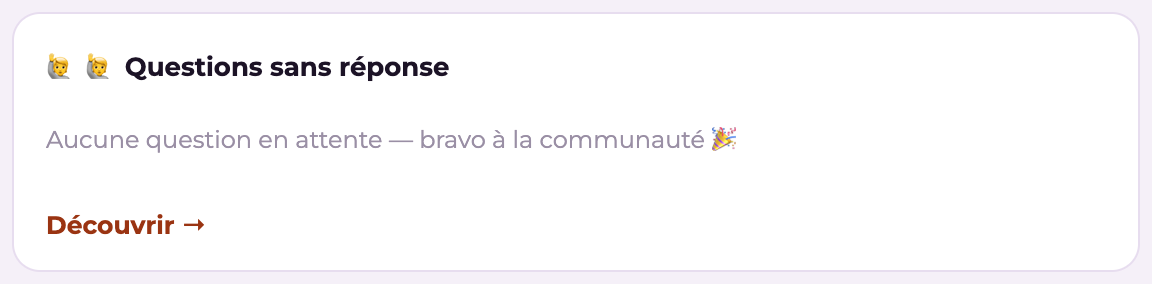
Lend a handEveryoneUnanswered questions
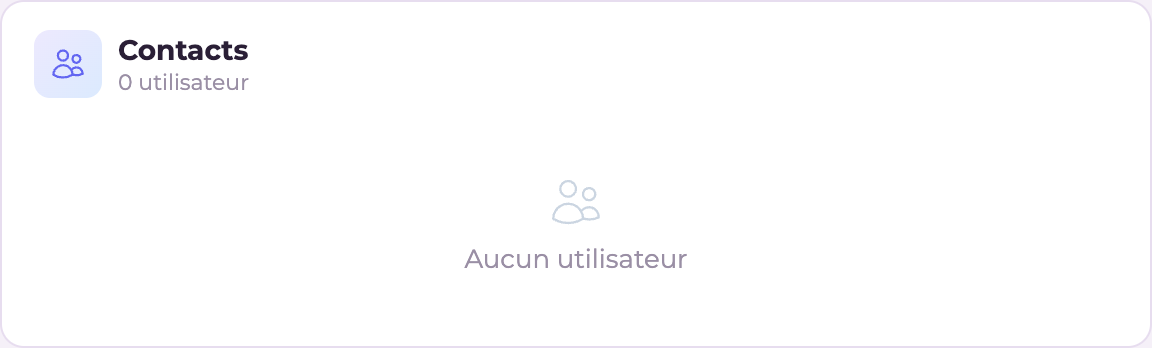
About your courses · Latest documentsEveryoneTargeted community
Widget "Planning": Planning of events and courses
Planning — Everyone
Widget "News": Editable news block
News — Everyone
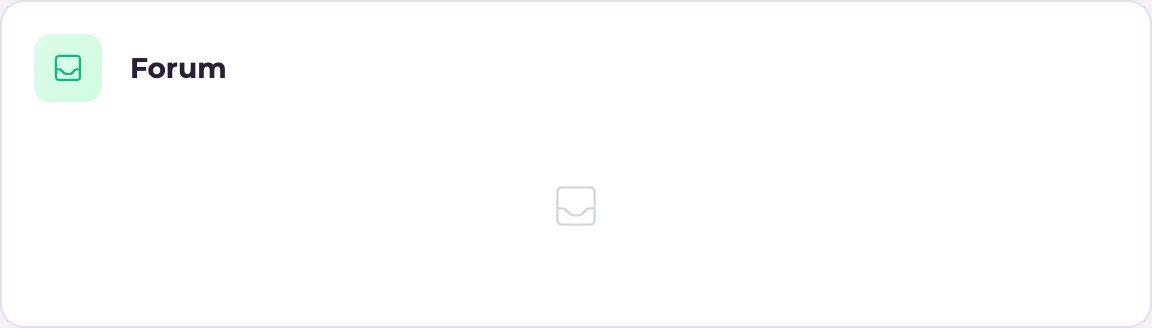
Widget "Forum": Latest forum posts
Forum — Everyone
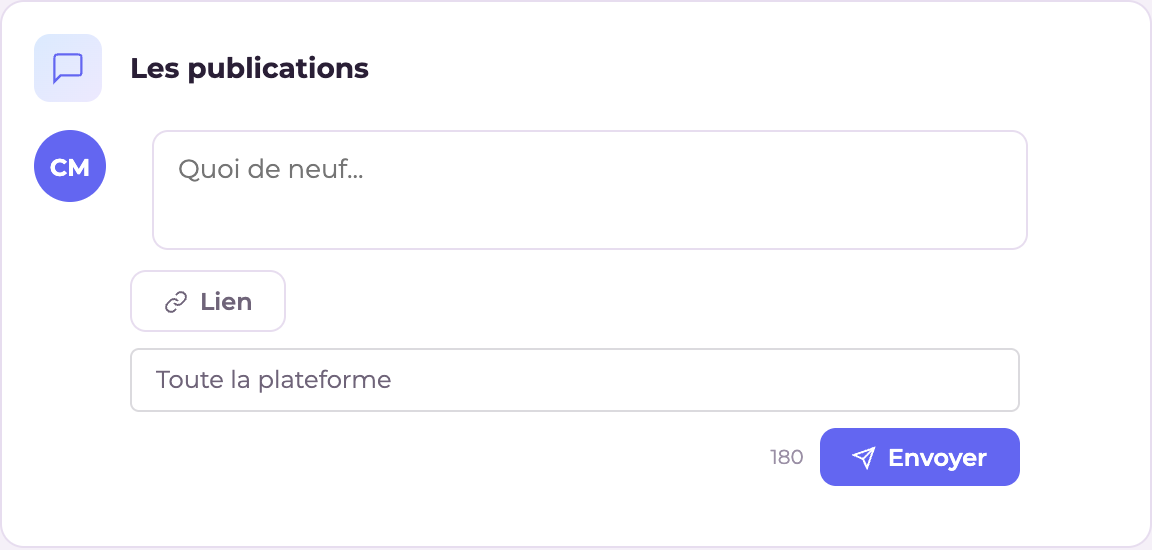
Widget "Discussion feed": Microblog-style message feed
Discussion feed — Everyone
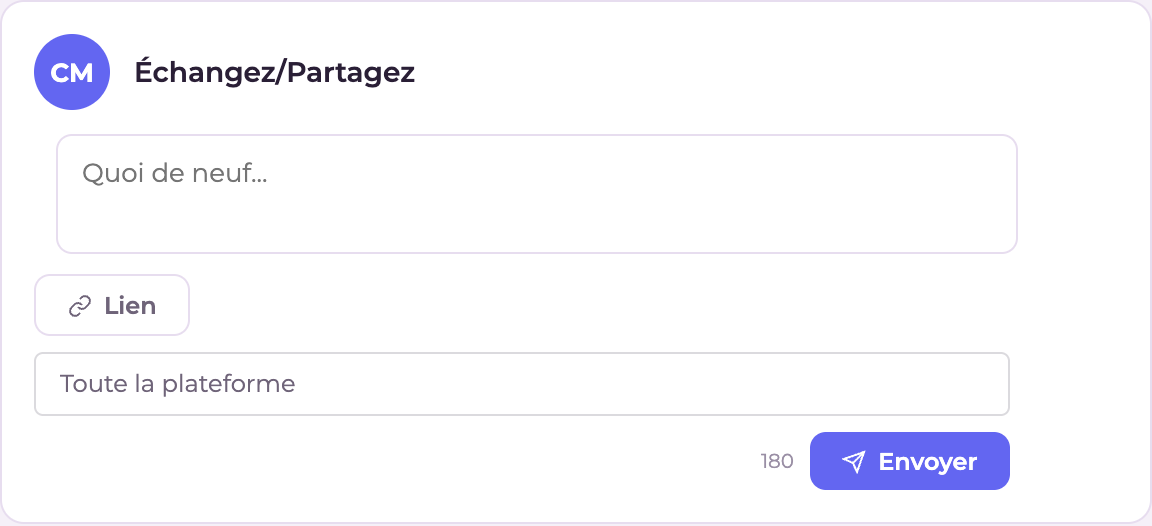
Widget "Discussion feed (compact)": Compact version of the message feed
Discussion feed (compact) — Everyone
Widget "Timeline": Chronological activity feed
Timeline — Everyone
Widget "Community — My community": Level, points and progress in the community (gamification)
Community — My community — Everyone
Widget "Community — Lend a hand": Recent unanswered questions (peer help)
Community — Lend a hand — Everyone
Widget "Community — About your courses": Recent discussions linked to your learning units / courses
Community — About your courses — Everyone
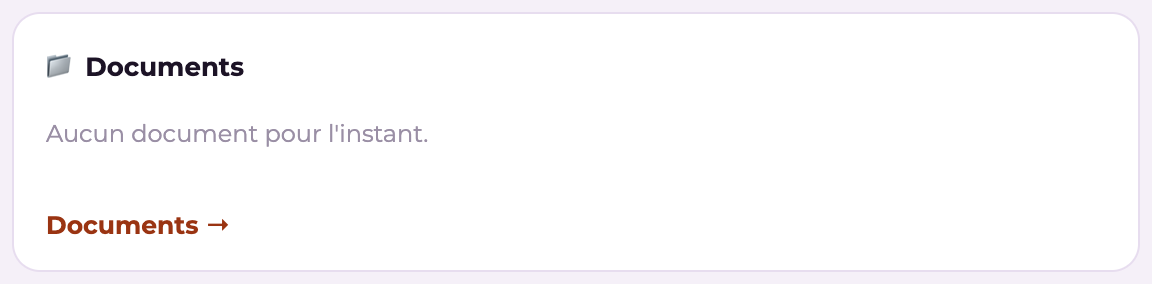
Widget "Community — Latest documents": Recent files from the community library
Community — Latest documents — Everyone

Media & miscellaneous

WidgetProfilePurpose
VideoEveryoneEmbedded video
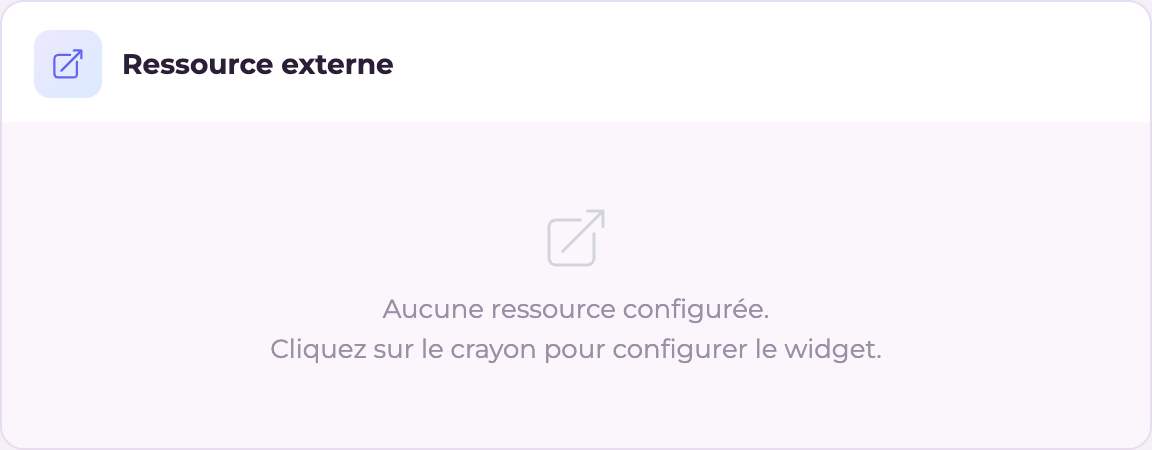
External resourceEveryoneEmbed (iframe/HTML)
FooterEveryoneBottom of the dashboard
Widget "External resource": Custom iframe or HTML embed with configurable dimensions
External resource — Everyone
Widget "Footer": Dashboard footer
Footer — Everyone
  • The screenshots above show the widgets with the fictitious data from our demonstration platform: on your platform, they display your courses, your learners and your figures. "Video" and "My portfolio" have no screenshot: their content depends entirely on your configuration (chosen video, portfolio enabled).
  • Some widgets hide themselves when they are not relevant (e.g. "Any questions about your courses?" with no instructor, "My progression path" with no assigned position).
  • A widget marked single can only be placed once; others (Planning, News, Video, External resource) can be repeated.
  • A custom profile inherits the widgets of its parent profile.
  • For the layout (columns, drag and drop), see "Configure the dashboard".
See also