User
A user is a person with an account: a learner, an instructor or an administrator. Each user has an identity (name, email address, username), one or more profiles, and a training history.
Profile
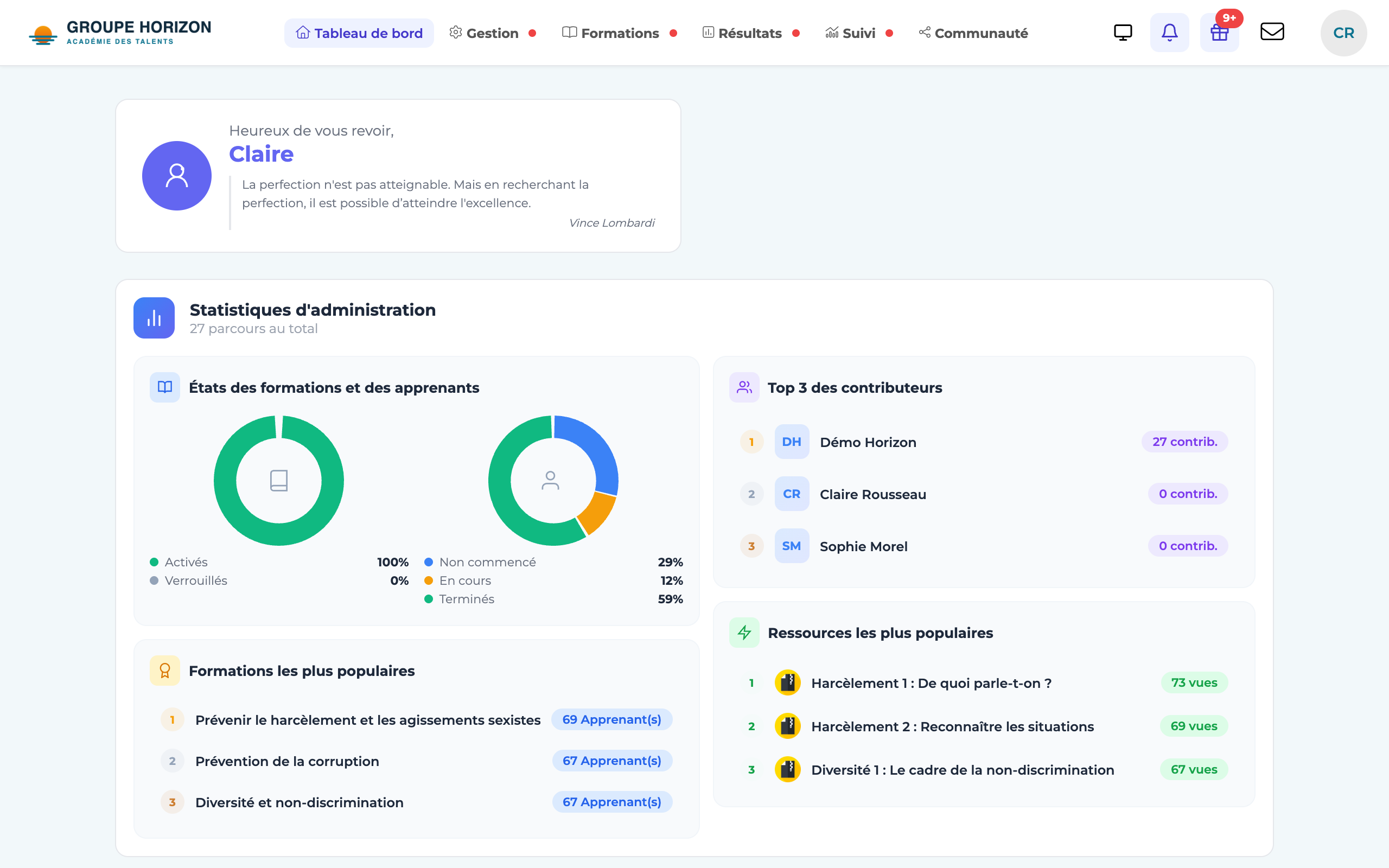
The profile is the user's role — it determines what they are allowed to do:
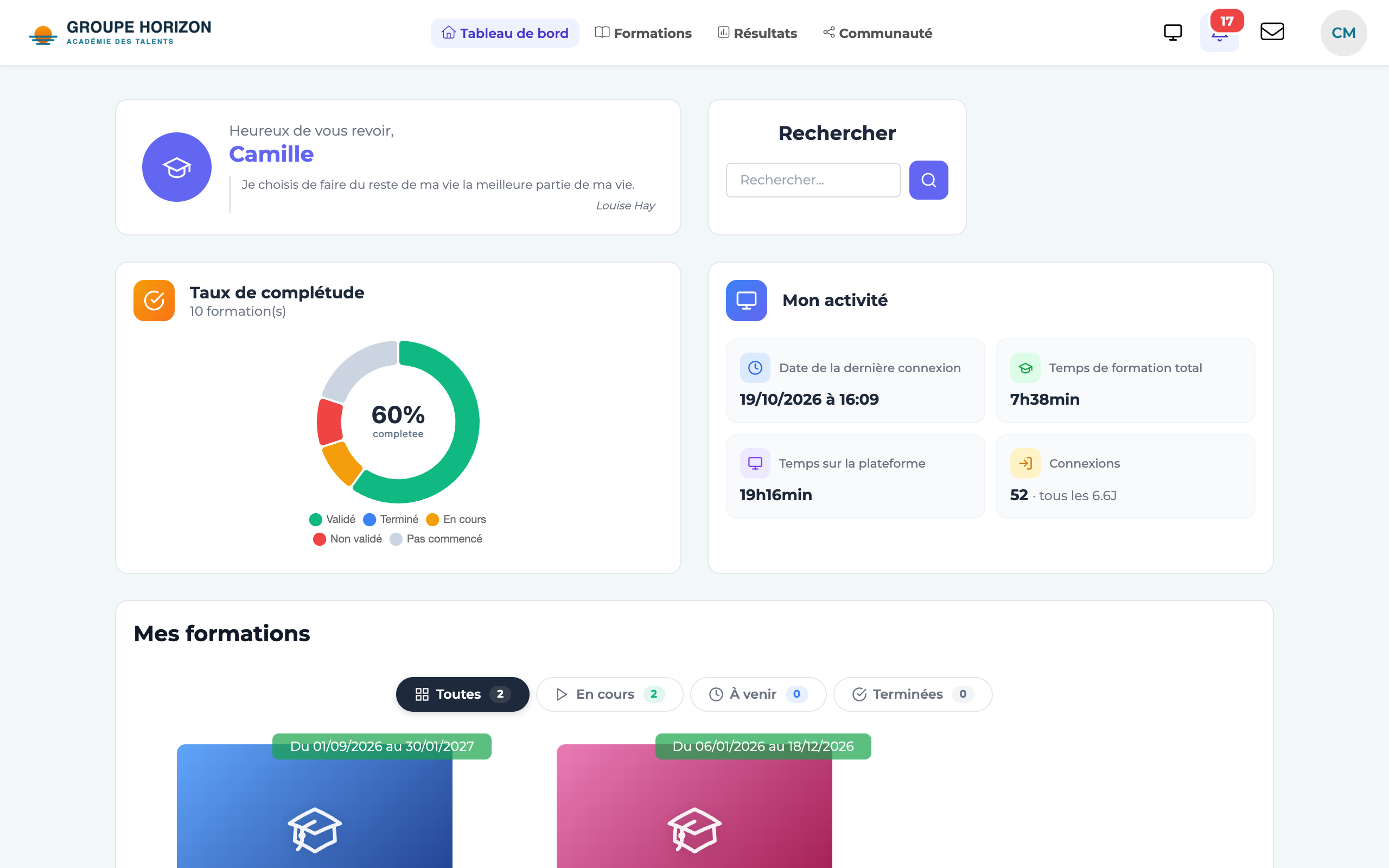
- Learner — takes courses and views their results.
- Instructor — runs sessions, enrols, grades and follows their learners.
- Administrator — configures the platform and manages accounts.
- Site administrator — an administrator whose scope is limited to one space.
The same user can hold several profiles (multi-profile) and switch between them — for example instructor and learner. See "Profiles and multi-profile accounts".
Group
A group brings users together (a team, a department, an intake) so that you can manage them in bulk: enrol the whole group on a course, filter a report, target a mailing. A user can belong to several groups. See "Manage groups".
Session
A session is a training space: it brings together enrolled learners and one or more courses, usually over a given period. It is the setting in which a group of learners follows a programme.
Course
The course is the learning content: a sequence of activities (SCORM module, quiz, video, virtual classroom…). You add it to a session to make it available to the enrolled learners.
How it all fits together
You create users, each with their profile.
You optionally gather them into groups.
You build a course out of activities.
You open a session, enrol learners (or a group) in it and attach the course to it.
- The vocabulary can be adapted (School / Apprenticeship centre / University / Company): "session", "course" or "group" may go by another name depending on the terminology chosen in the administration.
- Remember the logic: who (users, profiles, groups) takes what (courses) and where (session).